
Pixores Blog
Reviewed guides for creators working with image formats, thumbnails, visual editing, optimization, and practical Pixores workflows.
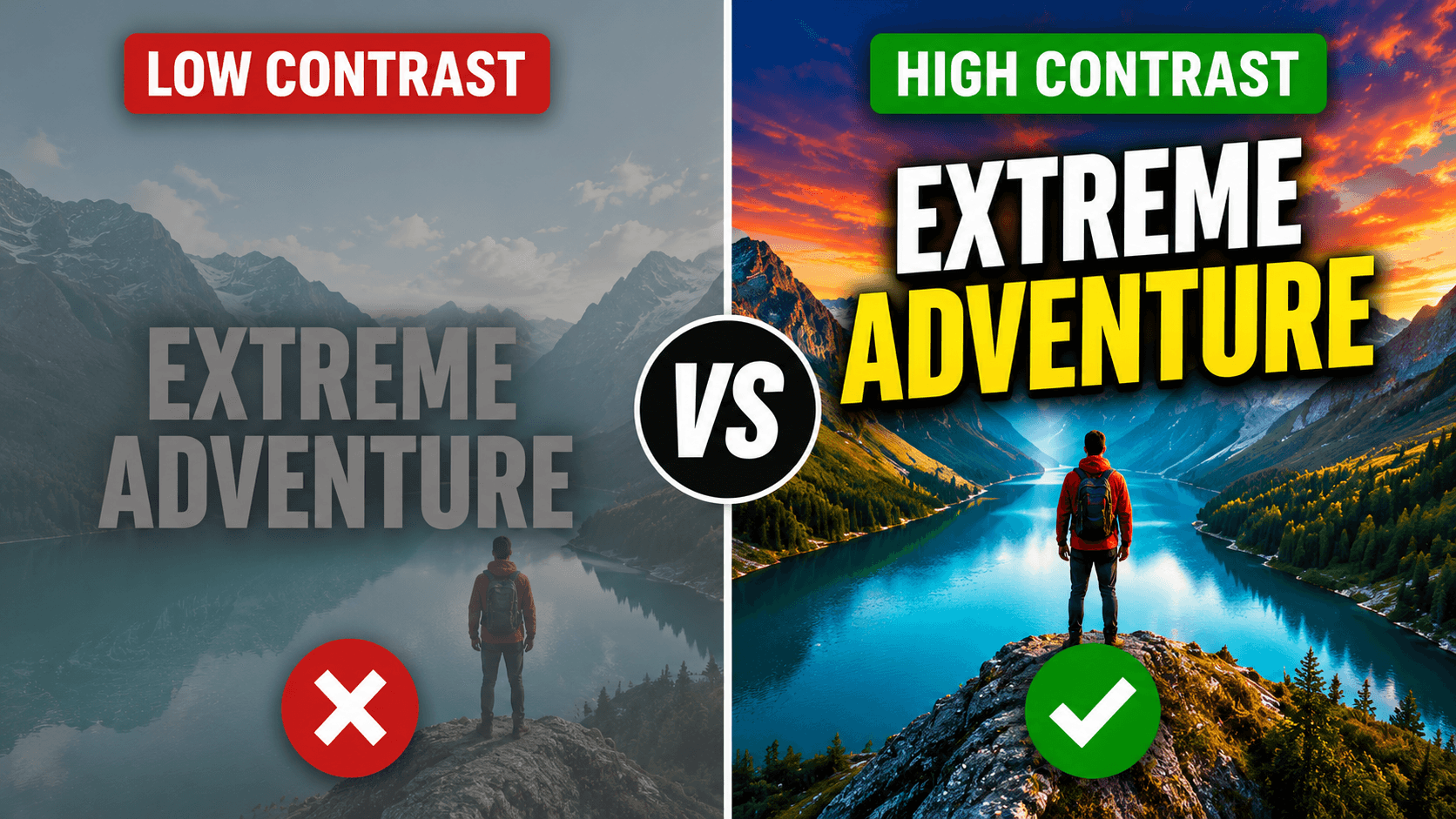
How to Create a YouTube Thumbnail: A Practical Design and Testing Guide
Build a clear YouTube thumbnail at the correct size, test its mobile readability, export it cleanly, and improve it with evidence instead of guesswork.
Pixores Product & Editorial Team · Aug 14, 2026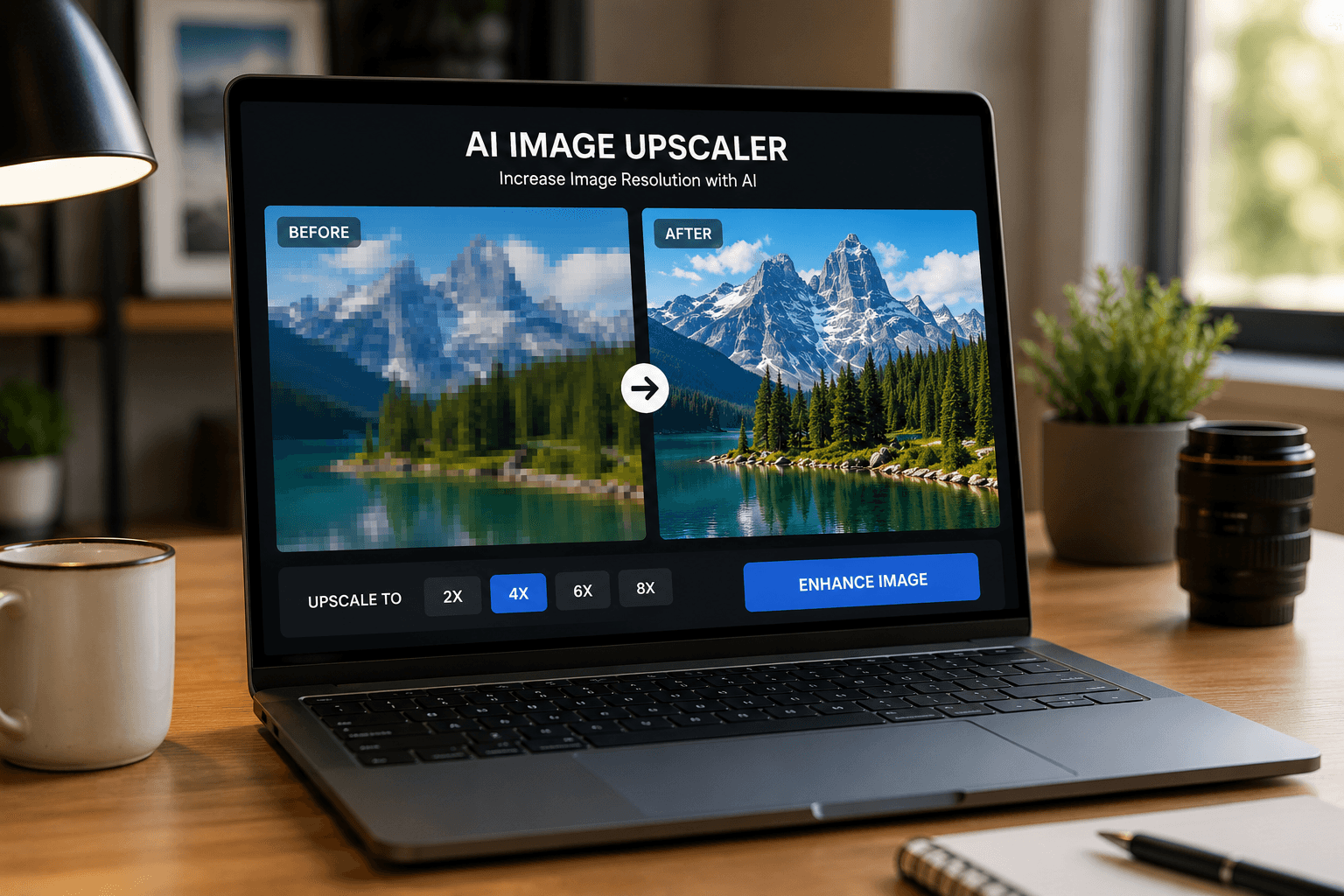
How to Increase Image Resolution With AI: Limits, Workflow, and Quality Checks
Learn what AI upscaling can and cannot recover, choose 2x or 4x enlargement, inspect artifacts, and prepare a sharper image without misrepresenting detail.
Pixores Product & Editorial Team · Aug 14, 2026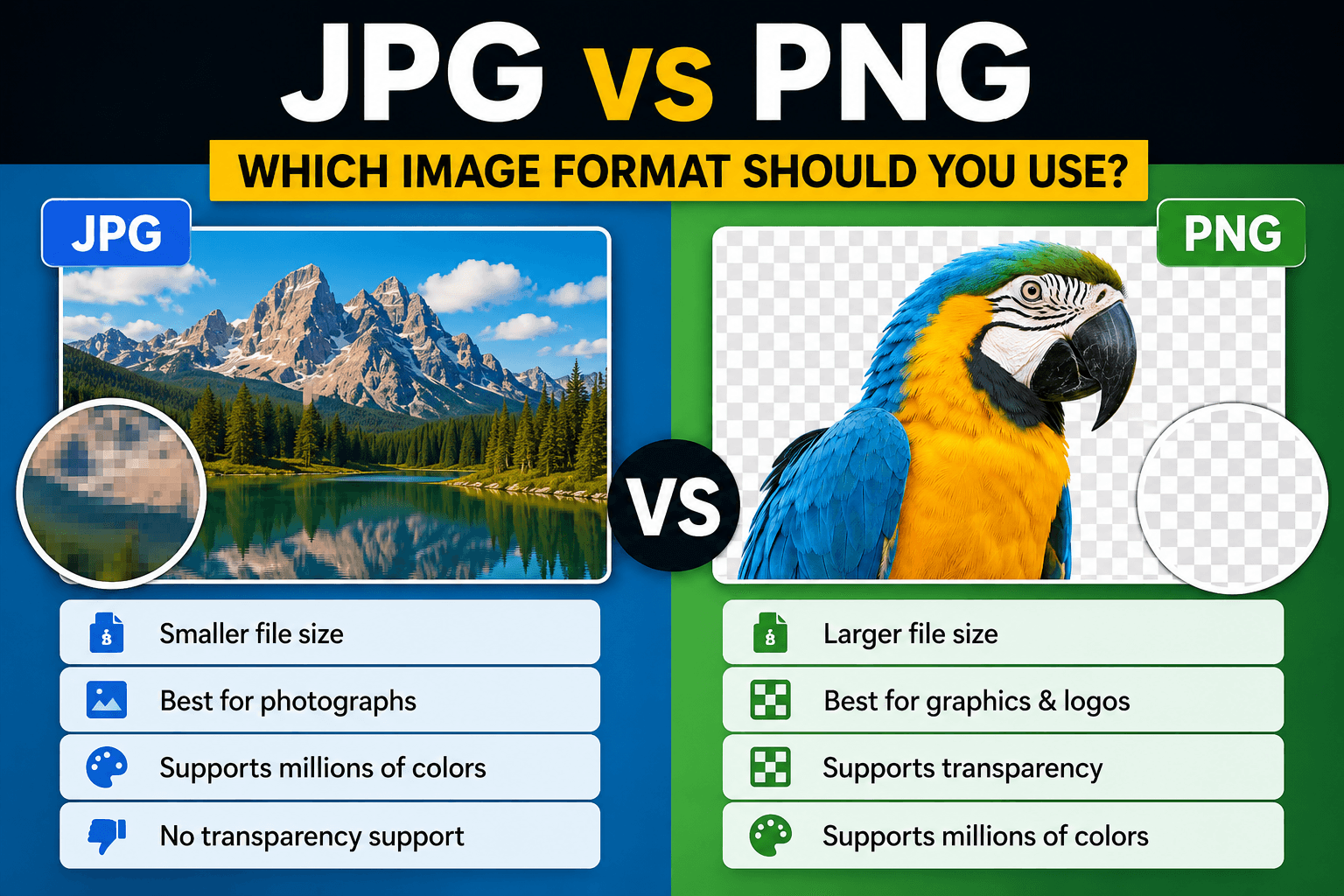
JPG vs PNG: Quality, Transparency, File Size, and the Right Choice
Compare JPG and PNG by image type, transparency, repeated editing, browser use, and export workflow instead of choosing a format by habit.
Pixores Product & Editorial Team · Aug 14, 2026
Social Media Image Sizes in 2026: A Practical Creator Guide
Use practical image dimensions and aspect ratios for YouTube, Instagram, TikTok, Facebook, and LinkedIn without rebuilding every design.
Pixores Product & Editorial Team · Jun 23, 2026
WebP vs AVIF vs JPEG: Which Image Format Should You Use?
Compare WebP, AVIF, and JPEG for websites, photography, compatibility, transparency, and practical image workflows.
Pixores Product & Editorial Team · Jun 23, 2026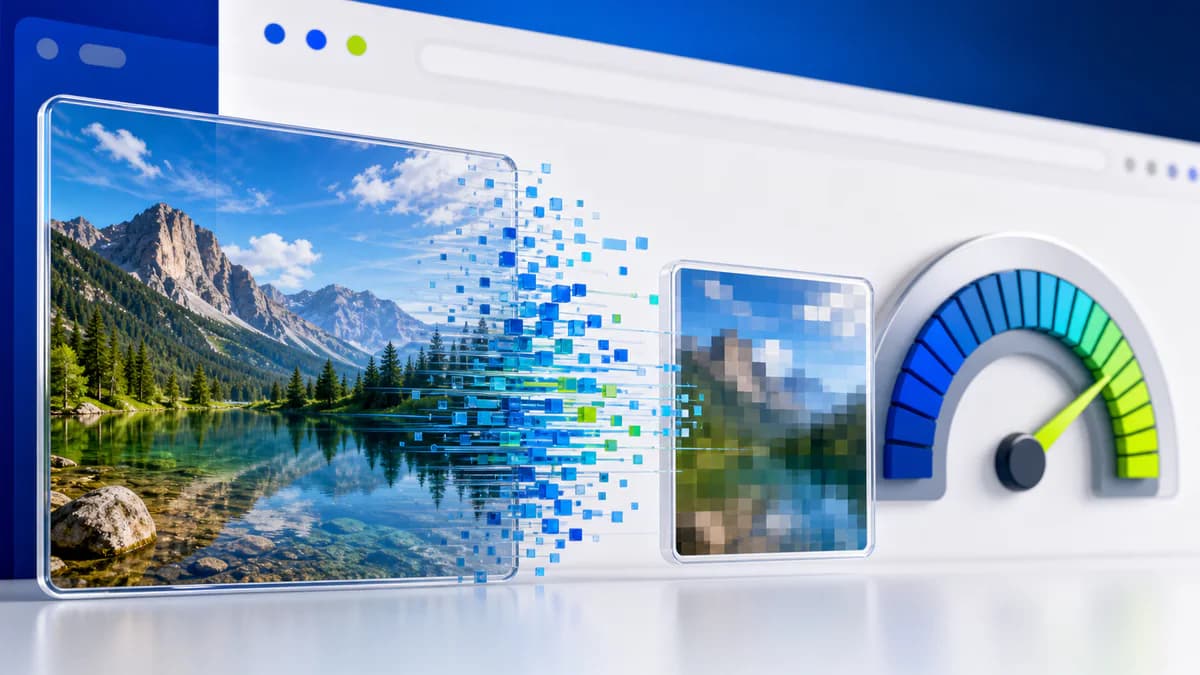
How to Compress Images for Website SEO and Faster Pages
Learn a practical image compression workflow that improves page speed while protecting visual quality and accessibility.
Pixores Product & Editorial Team · Jun 23, 2026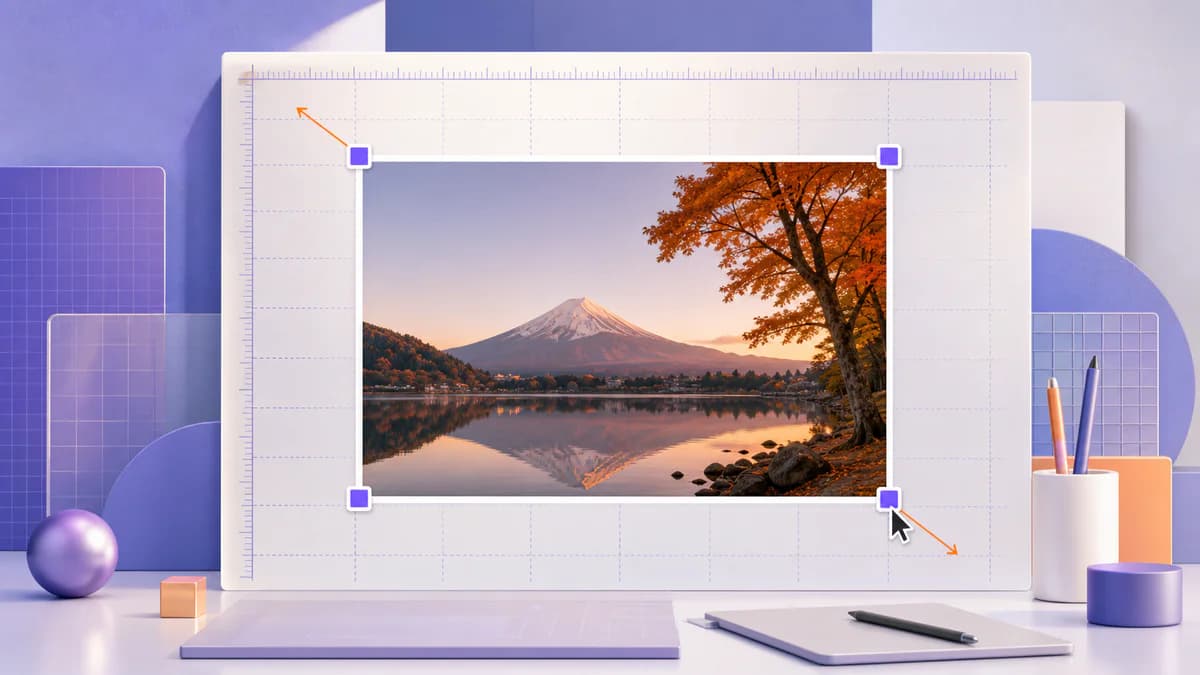
How to Resize an Image Without Stretching or Distortion
Understand aspect ratio, resizing, cropping, and padding so your images fit new dimensions without looking stretched.
Pixores Product & Editorial Team · Jun 23, 2026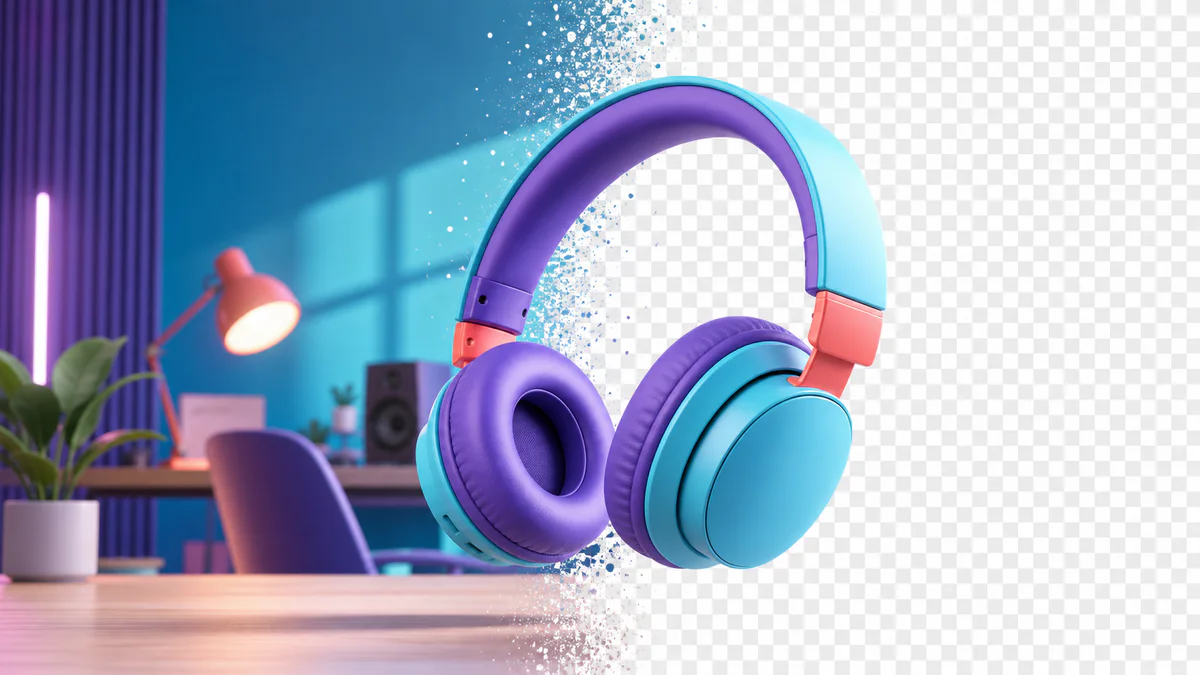
How to Make a Transparent Background PNG Online
Remove an image background, refine the edges, and export a transparent PNG for thumbnails, products, and designs.
Pixores Product & Editorial Team · Jun 23, 2026
Thumbnail Color Psychology: How to Create Clearer Visual Contrast
Use color, contrast, and hierarchy to make YouTube thumbnails easier to understand without relying on exaggerated claims.
Pixores Product & Editorial Team · Jun 23, 2026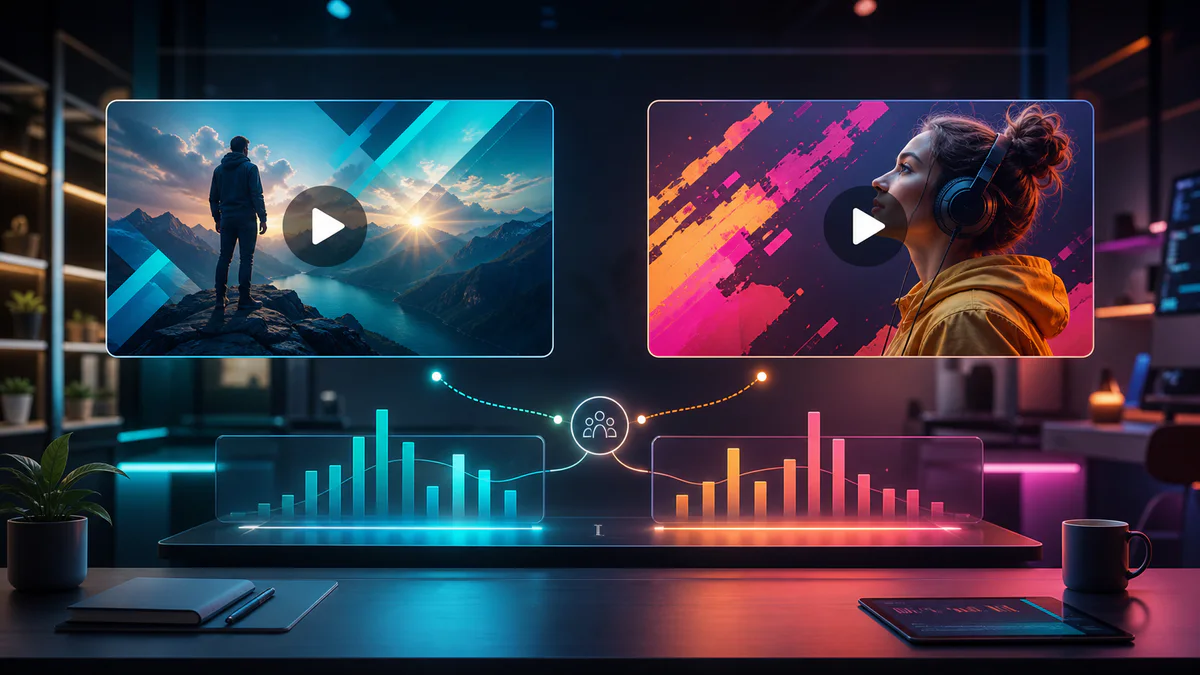
YouTube Thumbnail A/B Testing: A Practical Creator Workflow
Plan meaningful thumbnail variations, run fair tests, and interpret results without chasing small changes or misleading viewers.
Pixores Product & Editorial Team · Jun 23, 2026
Best Image Format for Social Media: JPG, PNG, or WebP?
Choose a practical image format for social posts, thumbnails, transparent graphics, and cross-platform publishing.
Pixores Product & Editorial Team · Jun 23, 2026
How to Watermark Images Without Ruining the Design
Add a readable text or logo watermark that identifies your work while keeping the image useful and professional.
Pixores Product & Editorial Team · Jun 23, 2026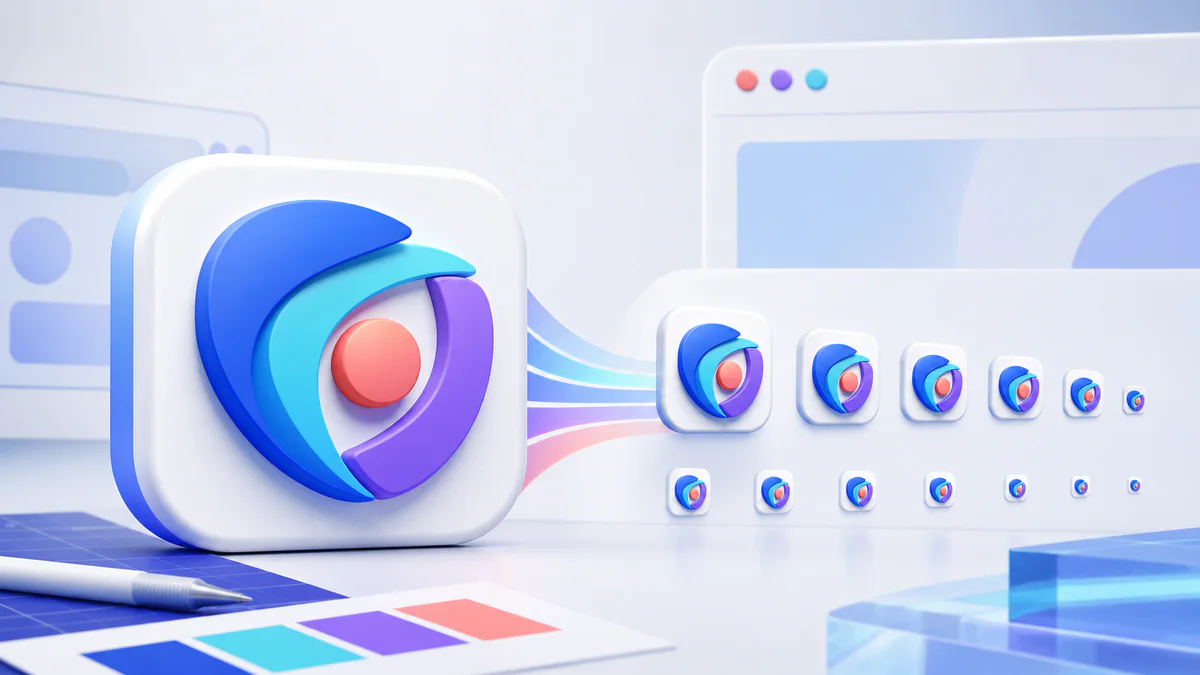
Favicon Sizes in 2026: Files Your Website Actually Needs
Create a practical favicon package for browser tabs, bookmarks, Apple touch icons, Android devices, and web app manifests.
Pixores Product & Editorial Team · Jun 23, 2026