How to Increase Image Resolution With AI: Limits, Workflow, and Quality Checks
Learn what AI upscaling can and cannot recover, choose 2x or 4x enlargement, inspect artifacts, and prepare a sharper image without misrepresenting detail.

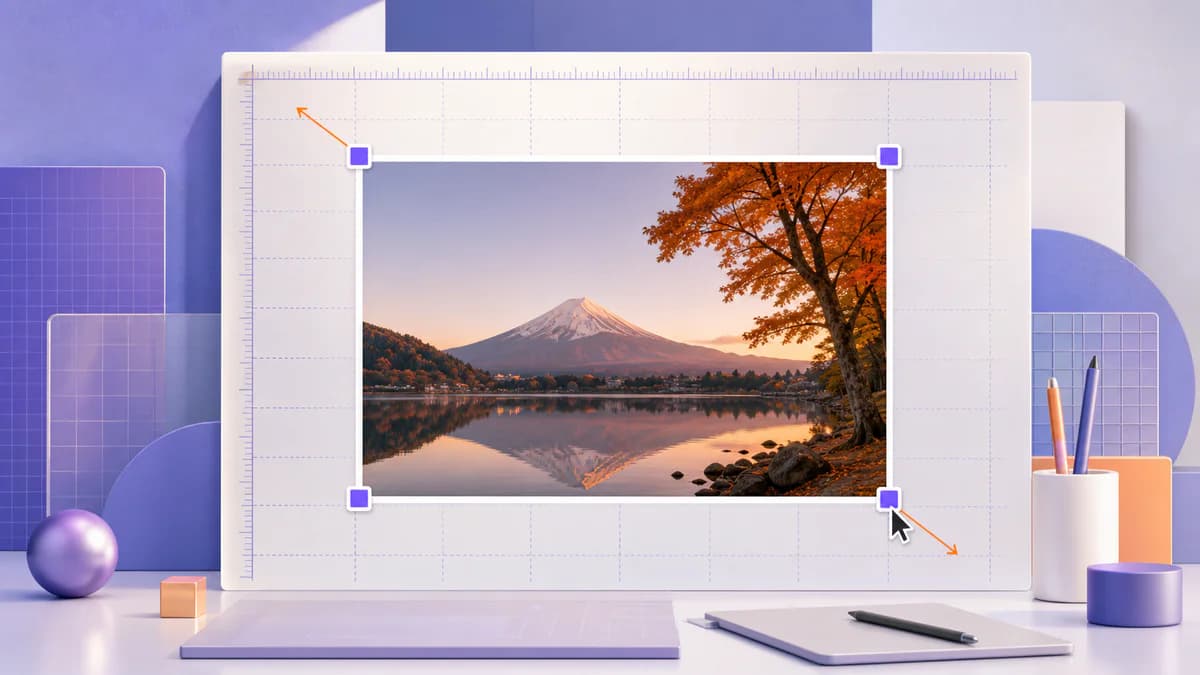
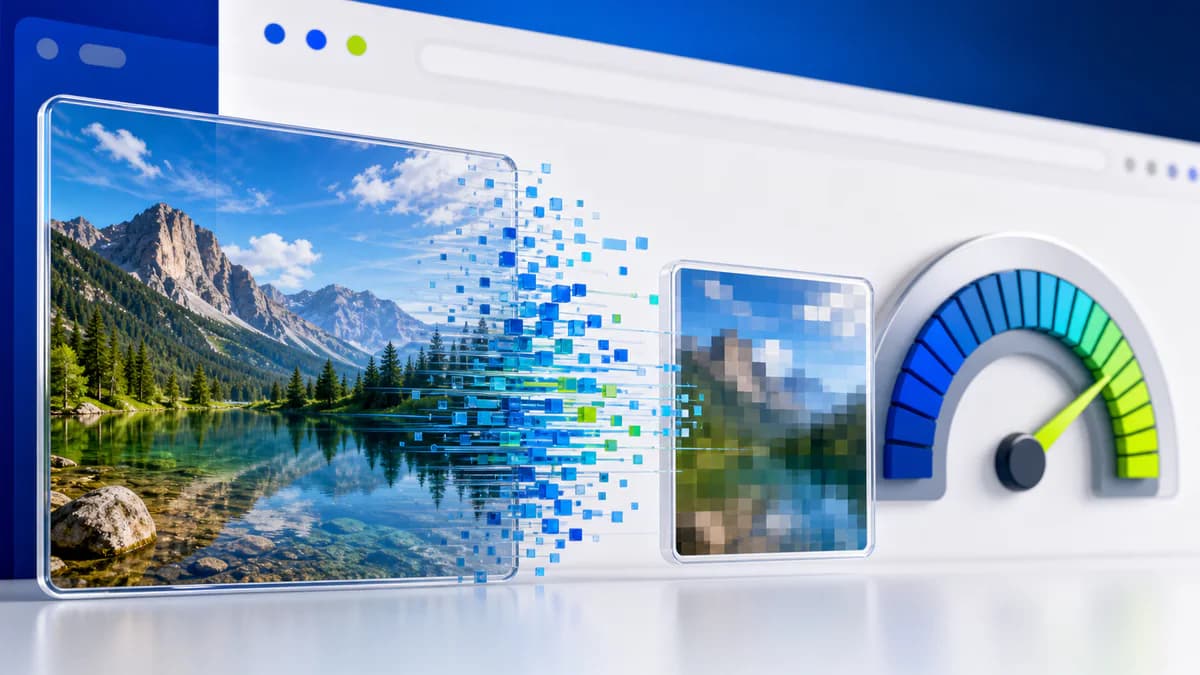
AI upscaling creates a larger pixel grid and predicts plausible detail between the pixels in the source. It can improve the appearance of edges, textures, and compressed graphics, but it cannot retrieve information that the camera or original file never recorded. The best results come from choosing the right source, using a restrained scale, and reviewing the output at its actual delivery size.
Resolution, dimensions, and detail are different
Pixel dimensions describe the width and height of an image. A 1000 by 1000 image contains one million pixels, but that number alone does not guarantee sharpness. Focus, motion blur, lens quality, compression, noise, and previous editing all affect visible detail.
Traditional resizing calculates new pixels from nearby existing pixels. AI upscaling uses learned patterns to predict what a sharper edge or texture might look like. That prediction can be visually convincing, but it is still generated information. This distinction matters for archival photographs, product evidence, medical imagery, identity documents, and any situation where invented detail could be misunderstood as fact.
Choose the best available source
Start with the original camera or exported design file whenever possible. Social-network downloads, messaging-app copies, and screenshots may already contain resizing and compression artifacts. Upscaling those artifacts can make them more visible.
Before enhancement:
- Correct the orientation.
- Crop away areas that will not appear in the final design.
- Avoid repeatedly saving a JPEG.
- Use a version without text or interface overlays when one exists.
- Preserve the untouched original as a separate file.
If the image is severely out of focus or the subject occupies only a few pixels, search for a better legitimate source instead of applying an extreme enlargement.
Decide whether 2x or 4x is appropriate
A 2x scale doubles both width and height, producing four times as many pixels. It is the safer first choice for web graphics, thumbnails, and moderately small photographs. A 4x scale produces sixteen times as many pixels and is more likely to reveal invented texture, halos, repeated patterns, or unnatural facial detail.
Calculate the required output before processing. If a 900-pixel-wide image only needs to display at 1400 pixels, a 2x result already provides enough room. Generating a much larger file adds processing time and storage without creating reliable new information.
The current Pixores AI Image Upscaler offers 2x and 4x options, accepts JPG, PNG, and WebP uploads up to 20 MB, and limits the result to 4096 pixels on either side. It requires a Pixores account because the server-side AI operation uses one successful AI credit.
A practical upscaling workflow
- Open the Pixores AI Image Upscaler and select the highest-quality source.
- Start with 2x unless the delivery dimensions genuinely require more.
- Process the image and open the downloaded result in an image viewer.
- Compare the original and result at the same displayed size.
- Inspect difficult areas at 100 percent: eyes, hair, hands, small text, foliage, fences, repeated patterns, reflections, and product edges.
- Resize or crop the approved result to its actual delivery dimensions.
- Keep the original and the enhanced derivative with distinct file names.
Do not judge quality only while the larger file is zoomed to fit the screen. Fit-to-screen viewing can make almost any image look smoother. A 100-percent inspection reveals whether the output contains useful edge improvement or simply more pixels.
Recognize common artifacts
Halos appear as bright or dark outlines around high-contrast edges. Waxy faces lose natural skin texture. Repeating patterns may bend or merge. Letters can become plausible-looking but incorrect symbols. Fine hair can turn into solid strands, and reflections can acquire shapes that were not present in the source.
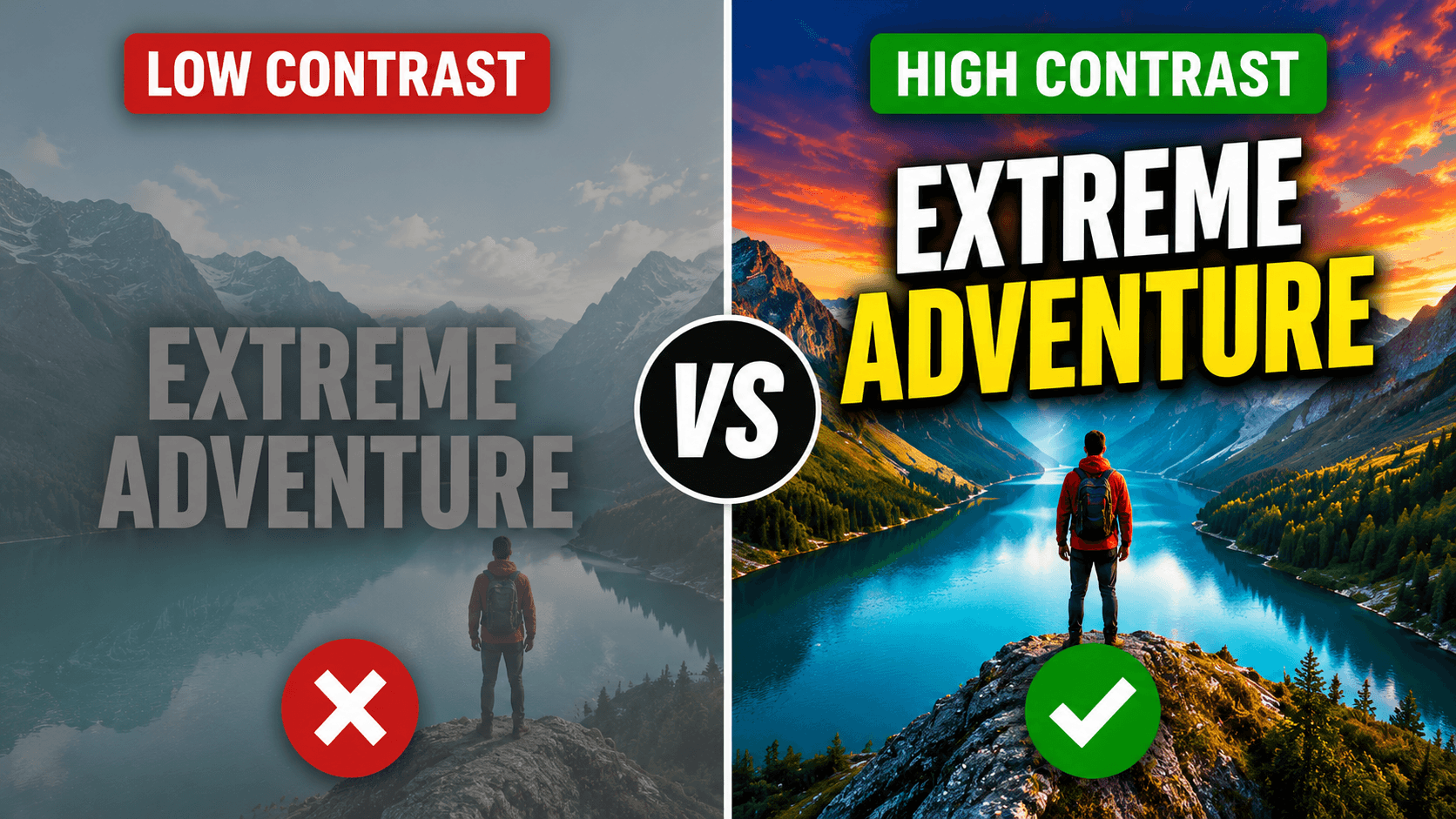
If artifacts appear, try a smaller scale or a cleaner source. Mild noise reduction before upscaling may help a compressed photograph, but aggressive smoothing can erase real texture. Additional sharpening after upscaling should be subtle and evaluated at the final display size.
Match the output to its destination
For a web page, the best file is usually no larger than the largest size the layout will display. Oversized images increase transfer and decoding cost. After upscaling and final resizing, choose a delivery format based on the content: JPEG or WebP for photographs, PNG for transparency or sharp graphics, and an appropriately configured modern format when your publishing system supports it.
For print, pixel dimensions and intended print size determine pixels per inch. Upscaling can reduce visible pixelation, but it does not transform a small web image into a genuinely high-detail scan. Request the printer's required dimensions and inspect a proof for important work.
Responsible use
Keep enhanced files distinguishable from originals. Do not present synthesized detail as recovered evidence. When historical, scientific, journalistic, or commercial accuracy matters, disclose material AI enhancement and preserve the unaltered source.
AI upscaling is most useful as a delivery tool: it can prepare a legitimate source for a larger layout, reduce visible stair-stepping, and make moderate enlargement cleaner. Its value comes from careful review, not from the assumption that a larger file is automatically a more truthful one.
Reproducible field check
Equal-display-size upscaling review
Separate useful enlargement from the illusion created by viewing a larger file fitted to the screen.
Procedure
- Create a 2x derivative before considering 4x.
- Compare source and result at the same displayed dimensions.
- Inspect eyes, hands, small text, repeated patterns, and edges at 100 percent.
Record these observations
- Source dimensions
- Scale
- Output dimensions
- Generated or malformed details
Pass condition: The derivative meets the real output size without introducing defects that change the subject or written information.