When Was PNG Invented? PNG History, Origin, and Creators
PNG began in 1994 and became a W3C standard in 1996. Learn who created PNG, why it replaced GIF for many web graphics, and how it works.
Introduction
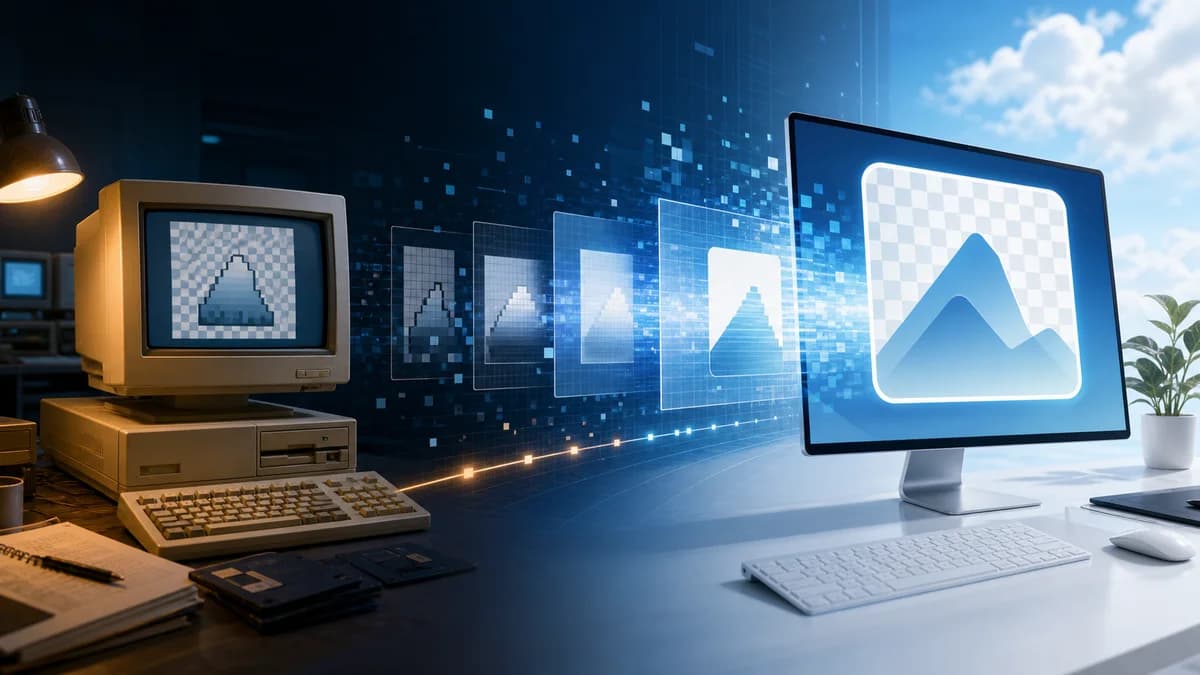
PNG was invented as a community project beginning in late 1994. Thomas Boutell coordinated the initial specification, and PNG 1.0 became a W3C Recommendation in October 1996. Its immediate purpose was to give the web an openly specified, lossless alternative to GIF without the same LZW patent uncertainty.
PNG is so familiar that it is easy to mistake it for a format that simply appeared with the web. Its real history is more revealing. Portable Network Graphics emerged from a practical conflict involving software patents, licensing uncertainty, and the need for a dependable, openly specified image format. Developers wanted an alternative to GIF that could preserve exact pixels, support more colors, travel safely between computers, and remain available without a per-program licensing cloud.
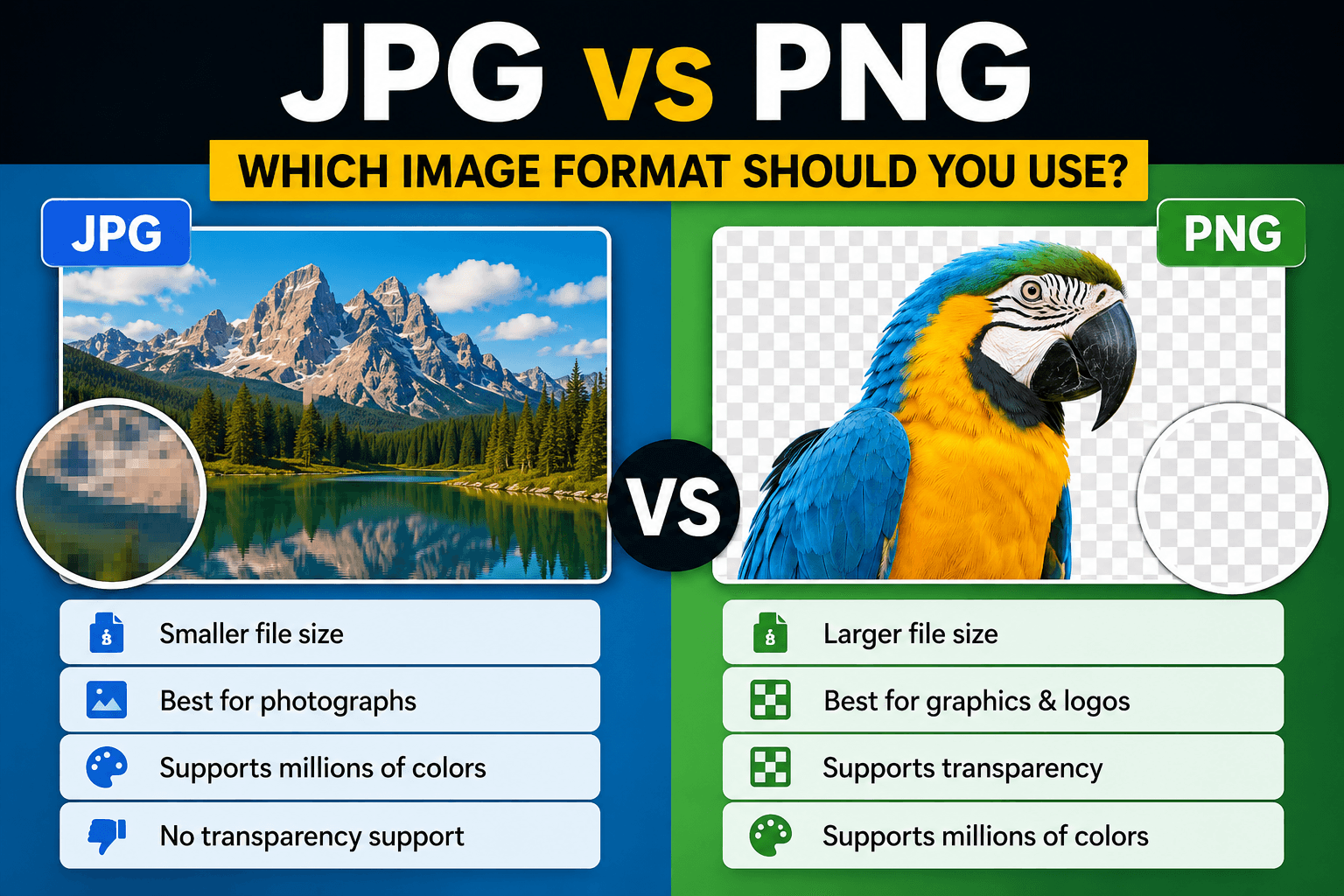
That origin still explains PNG's character today. It is not designed to make every photograph as small as possible. It is designed to reproduce decoded pixels exactly, preserve hard edges, and carry transparency reliably. Screenshots, diagrams, interface elements, logos, and cutout graphics benefit from those priorities. Understanding the history makes modern format decisions less arbitrary: PNG is not simply “higher quality JPG,” but a tool built for a different job.
The GIF patent dispute that started the project
In late 1994, developers learned that use of the LZW compression method associated with GIF could create licensing obligations. The announcement alarmed the online graphics community because GIF was deeply embedded in free software and early web workflows. On Usenet, programmers began discussing a replacement that would avoid patented compression and improve on GIF's technical limits.
The working name “PNG” was deliberately playful—often expanded recursively as “PNG's Not GIF”—but the engineering effort was serious. The group worked in public, debated features, and selected the patent-unencumbered DEFLATE compression method. Thomas Boutell coordinated an early specification, with contributions from a broader group including Glenn Randers-Pehrson and many other participants. PNG 1.0 became a W3C Recommendation in October 1996 and was later standardized by ISO/IEC.
What PNG improved
GIF commonly stores indexed color with a palette of up to 256 entries. PNG added practical support for grayscale, indexed color, and truecolor images, along with higher bit depths. It also included file-integrity checks, standardized color and gamma information, and optional interlacing for progressive display.
Its most visible advantage is alpha transparency. Instead of marking only one palette color as completely transparent, PNG can store varying opacity. That makes soft shadows, antialiased edges, glass-like overlays, and clean cutouts possible. PNG uses filtering before DEFLATE compression: each scanline can be transformed according to relationships between neighboring pixels, making repeated patterns easier to compress without losing data.
Real-world examples
A software tutorial may contain screenshots with tiny text and one-pixel interface lines. JPG compression can create halos around those edges, while PNG reproduces them exactly. A store may need a product cutout over several page colors; a PNG alpha channel keeps the edge smooth instead of adding a white box. A designer exporting a simple icon with four flat colors may also get an efficient PNG because repeated values compress well.
PNG can be the wrong choice for a camera photograph. A 12-megapixel photo contains complex variation in nearly every region, so lossless compression often produces a much larger file than a carefully encoded JPEG, WebP, or AVIF. The visual result may be exact, but the extra transfer cost rarely helps a visitor viewing the photo at normal size.
Advantages
- Lossless encoding preserves every decoded pixel across saves.
- Alpha transparency supports smooth, partially transparent edges.
- Broad support makes PNG dependable in browsers, editors, documents, and operating systems.
- Sharp text, line art, diagrams, and screenshots avoid block artifacts.
- The public specification and patent-conscious design made it a durable open-web format.
- Metadata chunks can carry color, resolution, and other information without changing the core image.
Disadvantages and limitations
- Photographic PNG files are often much larger than modern lossy alternatives.
- Standard PNG is a raster format, so enlarging a small file still reveals pixels.
- Animation was not part of the original PNG format; APNG arrived through a separate extension.
- Excess metadata or an unnecessarily high bit depth can make files heavier than expected.
- Transparency increases design flexibility but can reveal halos if a cutout was prepared against the wrong matte color.
PNG in a modern workflow
Choose PNG when exact edges or transparency matter. Begin with the required output dimensions rather than exporting a huge master and relying on the page to shrink it. Remove metadata that has no delivery value, and test the result against light and dark backgrounds. If the image is a large opaque photograph, compare it with WebP or JPEG at the actual display size.
Conversion does not manufacture quality. Turning an already compressed JPG into PNG stops further JPEG loss, but it cannot restore detail discarded earlier. Conversely, converting a transparent PNG to JPG removes transparency because JPEG has no alpha channel. Pixores offers PNG to JPG and PNG to WebP for delivery copies while you retain the original master.
Frequently asked questions
Who invented PNG?
PNG was a community engineering project rather than the work of one inventor. Thomas Boutell coordinated the initial specification, while an international group of developers refined the design in public discussions.
Is PNG always better quality than JPG?
PNG is lossless, but “better” depends on the task. It is excellent for exact graphics and transparency. JPEG can deliver photographs that look equally convincing to viewers at a fraction of the size.
Does PNG support animation?
The original PNG specification describes still images. APNG extends the format with animation and is supported by modern browsers, but compatibility should still be checked for a specific workflow.
Why are some PNG files unexpectedly large?
Photographic detail, large dimensions, high bit depth, alpha data, and metadata can all increase size. Resize first, then use an appropriate optimizer or choose another delivery format.
Conclusion
PNG grew from the web community's need for an open, technically capable replacement for GIF. Its lossless compression, color support, and alpha transparency solved real limitations and created a format that remains central decades later. Use it for the jobs it was built to do: crisp graphics, screenshots, and transparent assets. For photographic delivery, compare modern alternatives instead of assuming that lossless automatically means better.
Sources and further reading
Continue the research or try the workflow