The History of JPEG: How Compression Made Digital Photos Practical
Learn how the JPEG standard was developed, why its compression transformed digital photography, and where its strengths and artifacts matter today.
Introduction
Long before phones sent photographs instantly, engineers faced a stubborn problem: digital pictures required too much storage and bandwidth. A full-color image contains millions of samples, and early disks, networks, and processors were dramatically more limited than today's. The Joint Photographic Experts Group developed a shared method for compressing continuous-tone still images so that equipment from different manufacturers could store and exchange them efficiently.
The result became known by the committee's acronym, JPEG, and the common filename extensions .jpg and .jpeg followed. The standard did more than shrink files. It helped digital cameras, websites, email, photo archives, and publishing systems grow around a common visual language. Its familiar block artifacts are the other side of that success: JPEG saves space by discarding information people are less likely to notice, not by preserving every pixel.
From committee work to an international standard
International standards bodies began organizing the JPEG work in the 1980s, bringing together experts in image coding, telecommunications, and computing. The committee evaluated competing approaches and developed a family of coding processes rather than one fixed quality setting. The foundational JPEG standard was published in 1992 as ISO/IEC 10918-1 and ITU-T Recommendation T.81.
The timing mattered. Personal computers were gaining color displays, scanners were becoming more accessible, and digital photography was moving from laboratories toward commercial products. A royalty-conscious, interoperable standard allowed camera makers, browser developers, and software vendors to implement the same basic decoding process.
How baseline JPEG compression works
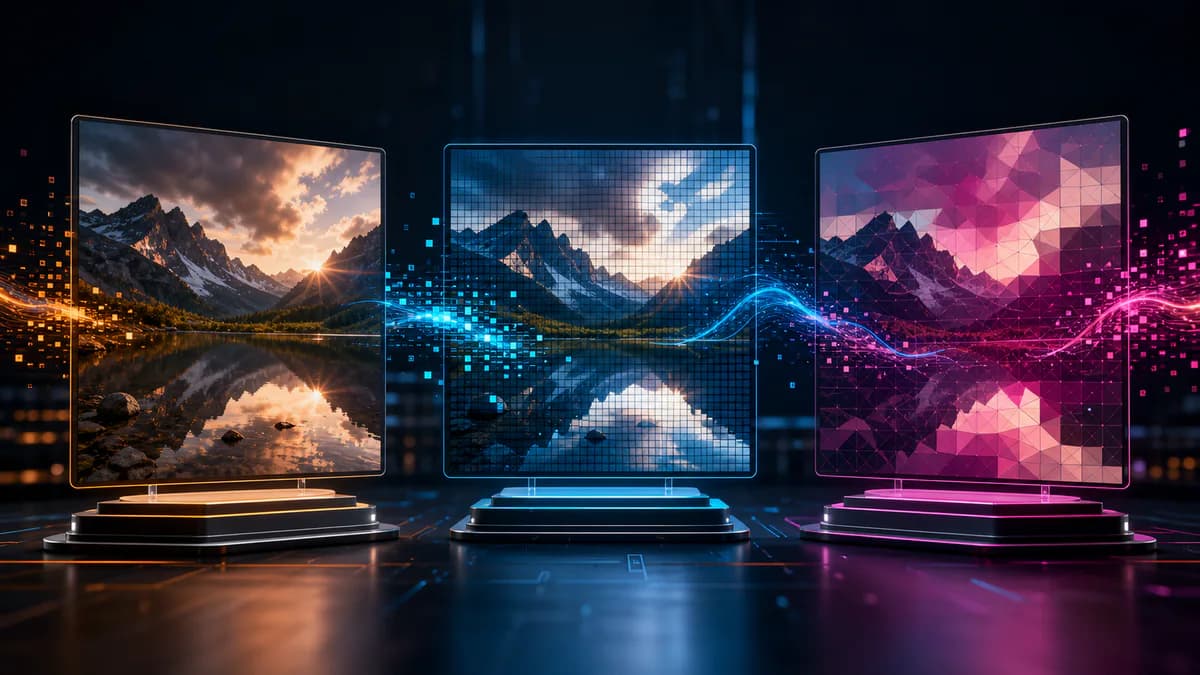
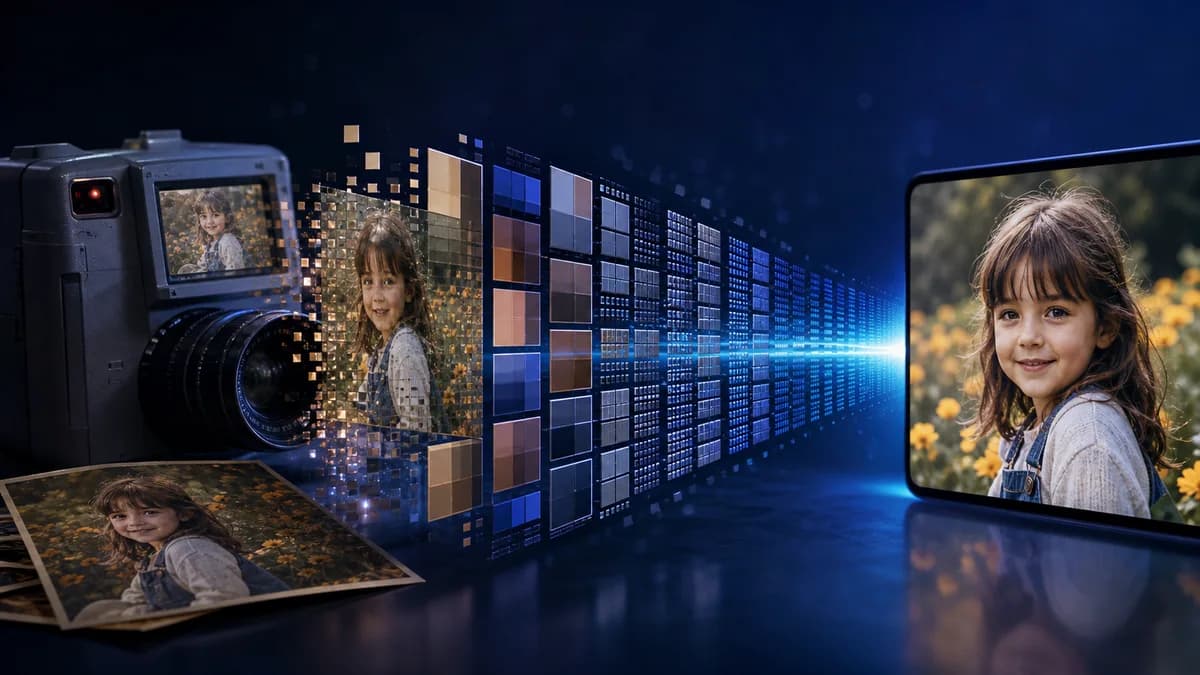
A typical JPEG encoder converts RGB data into a luminance-and-chrominance representation. Because human vision usually notices brightness detail more strongly than fine color detail, the color channels may be sampled at lower resolution. The image is divided into 8-by-8 blocks, and a discrete cosine transform represents each block as a set of spatial frequencies.
Quantization is the decisive lossy step. Frequency coefficients are divided and rounded, removing subtle variations according to the chosen quality level. The remaining values are reordered and entropy-coded efficiently. A decoder reverses the process, but it cannot recover the rounded-away information. Heavy quantization produces smaller files and more visible blocking, ringing around edges, banding, or smearing of fine texture.
Real-world examples
Early consumer digital cameras could fit far more JPEG photographs on a memory card than uncompressed images. Newsrooms could transmit pictures over slow connections, and web publishers could place photographic pages online without asking visitors to download enormous bitmaps. Those were not marginal improvements; they changed what ordinary networks and devices could do.
Consider a travel photograph with clouds, foliage, and gradual skin tones. Moderate JPEG compression can reduce the file substantially while keeping the scene convincing. A screenshot of small black text on white, however, gives the codec hard edges that can develop visible halos. A logo with transparency is another poor match because classic JPEG has no alpha channel.
Advantages
- Excellent size-to-quality efficiency for ordinary photographic content.
- Near-universal decoding support across browsers, cameras, editors, and documents.
- Adjustable quality lets publishers balance visual fidelity against transfer cost.
- Progressive JPEG can display a coarse preview before all data arrives.
- Embedded EXIF and color-profile metadata support photography workflows.
- Decades of tooling make validation, optimization, and recovery widely available.
Disadvantages and limitations
- Compression is lossy; removed information cannot be restored by later conversion.
- Repeated editing and saving can accumulate artifacts known as generation loss.
- Block boundaries and ringing become visible at aggressive settings.
- Sharp interface text, line art, and flat graphics often compress poorly.
- Traditional JPEG does not support alpha transparency or animation.
- Metadata may expose camera, date, or location information if it is not reviewed before publishing.
JPEG in today's format landscape
WebP and AVIF can outperform classic JPEG in some tests, but JPEG remains a dependable compatibility baseline. The practical decision is not “old versus new.” It is whether the audience, content, software chain, and performance budget benefit from a newer codec. A website can serve modern formats while keeping a JPEG fallback; a client handoff may still favor JPEG because every recipient can open it.
Progressive and baseline delivery
A baseline JPEG is decoded in a conventional scan from top to bottom. A progressive JPEG stores several scans, allowing a browser to display a rough full-frame preview that becomes more detailed as data arrives. Progressive encoding does not change the photograph's subject or dimensions, and it is not always smaller, but it can improve the perceived experience on a slow connection. Modern responsive loading may reduce the visible difference, yet the option illustrates how JPEG evolved for networks as well as storage. Test the final file because some specialized legacy decoders handle baseline images more predictably.
Start with a high-quality master. Resize once to the real delivery dimensions, export at a sensible quality, and inspect faces, fine lines, gradients, and dark areas at 100 percent. Avoid repeatedly processing a downloaded social-media copy. Use the Pixores image compressor for a delivery version and keep the original separately.
Frequently asked questions
Are JPG and JPEG different formats?
No. They refer to the same image format. The three-letter .jpg extension became common because older systems limited extensions to three characters; .jpeg is equally valid.
What does the JPEG quality number mean?
It is an encoder-specific control, not a universal percentage of retained information. A quality value of 80 in two applications can produce different quantization tables, file sizes, and visual results.
Can JPEG compression be reversed?
Lossless file operations may rearrange certain JPEG data without recompressing, but details discarded during lossy encoding cannot be reconstructed exactly. AI enhancement may estimate plausible texture, not retrieve the original pixels.
When should I avoid JPEG?
Avoid it when you need transparency, pixel-exact screenshots, editable layers, or extremely sharp flat graphics. PNG, WebP, SVG, or a project format may fit those requirements better.
Conclusion
JPEG made digital photographs affordable to store, practical to transmit, and easy to exchange. Its 8-by-8 transform and quantization process are compromises, but they are remarkably effective compromises for human vision and photographic scenes. Use JPEG deliberately: keep a strong master, encode a delivery copy once, inspect artifacts, and choose a different format when transparency or exact edges matter more than compact photo storage.