When Was GIF Invented? GIF87a, GIF89a, and GIF History
CompuServe introduced GIF in 1987. Learn who created GIF, what changed in GIF89a, how animation emerged, and why the format survived.
Introduction
GIF was invented at CompuServe in 1987 by an engineering team led by Steve Wilhite. The original specification is known as GIF87a. GIF89a followed in 1989 and added control information used for timing, transparency, comments, and application extensions.
Few file formats have lived as many lives as GIF. It began as an efficient way for an online service to exchange color graphics across incompatible computers. It later became a source of patent controversy, an early-web design staple, a home for blinking banners, and eventually a shorthand for short looping reactions. People often call every silent loop a GIF even when the file delivered is actually an MP4 or WebM video.
That cultural reach can obscure the engineering. GIF uses indexed color, LZW lossless compression, and a container structure that can hold multiple images and timing instructions. Its limits—especially 256 colors per frame and simple transparency—are severe by modern standards. Yet predictable support and a self-playing loop made it unusually resilient.
GIF87a and GIF89a
CompuServe introduced the Graphics Interchange Format in 1987. GIF87a provided a hardware-independent image format with palettes and LZW compression, useful when members connected through slow modems and used different display systems. In 1989, GIF89a added capabilities including graphic-control information, delay timing, transparency indication, comments, and application extensions.
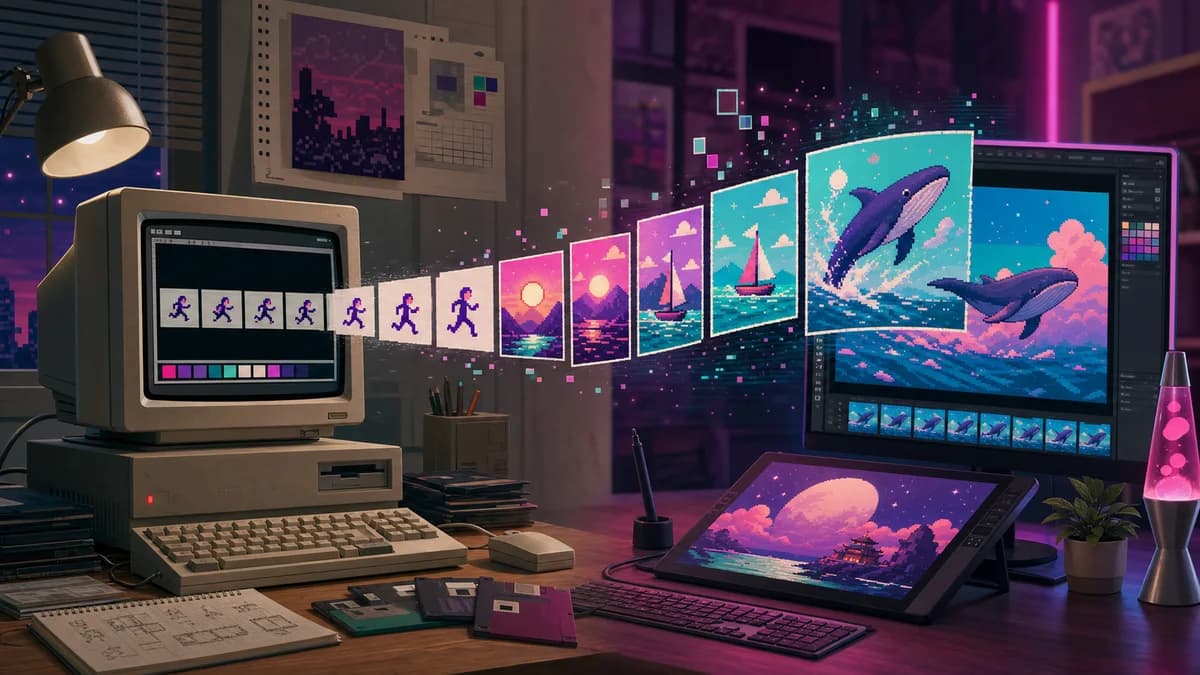
Animation emerged from storing multiple image blocks and using control data to determine timing and disposal. Netscape later popularized a looping application extension in web browsers. The format was not originally designed as today's universal reaction-animation system, but its flexible structure made that use possible.
The LZW patent controversy
LZW compression was patented by Unisys in several jurisdictions. In 1994, licensing enforcement involving commercial software implementations surprised many developers who had treated GIF as freely implementable. The reaction helped motivate the creation of PNG, which used DEFLATE and deliberately avoided GIF's patent problem.
The relevant LZW patents eventually expired, removing that particular legal obstacle, but the episode left a lasting lesson about infrastructure: a technically successful standard can become risky when an essential algorithm has unclear licensing. “Burn all GIFs” campaigns promoted patent-free alternatives, although early PNG lacked animation and therefore did not replace every GIF use.
Real-world examples
On an early modem connection, a small indexed-color weather map or icon could be far more practical than an uncompressed bitmap. During the 1990s, web pages used GIF for navigation buttons, construction notices, counters, and decorative animation. Later, communities used short loops from television, sports, and original recordings to communicate reactions without writing a sentence.
Modern messaging services often accept a GIF search result but deliver a video behind the scenes. Video codecs compress photographic motion much more efficiently and can display millions of colors. A true GIF still works well for a tiny pixel-art loop, a simple loading indicator, or a compact sequence with limited colors. A long camera clip with gradients, however, may become enormous and visibly dithered.
Advantages
- Universal recognition and broad support in browsers and messaging tools.
- Automatic, silent looping requires no visible player controls.
- Lossless LZW compression works well for repeated flat-color patterns.
- Frame timing and disposal allow straightforward short animation.
- Indexed palettes can make small icons and pixel art compact.
- The format's cultural familiarity lowers friction for sharing reactions.
Disadvantages and limitations
- Each frame is limited to an indexed palette of 256 colors.
- Transparency is effectively on or off, without PNG-style partial alpha.
- Photographic animations can be much larger than equivalent modern video.
- Dithering can create grain and motion noise in gradients.
- GIF does not carry audio.
- Reusing copyrighted film or television clips can create rights issues even when the file is technically easy to share.
Responsible and efficient use
Create original loops or use media you have permission to publish. A format does not grant rights to the underlying images. Keep animations short, avoid rapid flashing that could harm sensitive viewers, and provide meaningful surrounding text when the visual carries important information. Animation should not prevent a reader from completing a task.
Accessibility and motion
Looping motion can distract people with attention, vestibular, or cognitive sensitivities. Avoid intense flashes and rapid contrast changes, and honor a user's reduced-motion preference when the animation is decorative. If the loop explains a process, provide a still alternative or written description. Do not place essential instructions only inside frames that disappear quickly. These practices improve the experience without removing the expressive value that made GIF popular.
Also test the first frame by itself. Some previews, printers, content filters, and reduced-motion implementations may show only that frame, so it should provide a meaningful and non-misleading representation of the sequence.
For site performance, compare an actual GIF with an animated WebP or muted video. Consider reduced-motion preferences and avoid forcing a large loop near the top of every page. For a still frame, PNG or WebP will generally be more appropriate. The goal is not to preserve the .gif extension; it is to deliver the experience efficiently and accessibly.
Frequently asked questions
How is GIF pronounced?
The format's creator advocated a soft-g pronunciation, while many speakers use a hard g. Both pronunciations are widespread; the debate has no effect on compatibility.
Why does GIF have only 256 colors?
GIF uses an indexed palette with up to 256 entries for an image. Animation tools can use local palettes per frame, but each frame still faces that indexed-color constraint.
Are all looping images online real GIF files?
No. Many platforms display MP4, WebM, or another video format because it is smaller and visually richer, while the interface continues to use “GIF” as a cultural category.
Did PNG replace GIF?
PNG replaced GIF for many lossless still-image tasks and added better color and transparency. It did not initially include animation, so GIF retained an important niche until APNG, animated WebP, and video gained support.
Conclusion
GIF survived because its simple behavior became more valuable than its technical sophistication. It crossed from modem-era graphics into a language of motion and reaction, even as newer formats took over much of the actual delivery. Use true GIF where a short, limited-color loop is the simplest compatible answer. For photographic motion, test modern animation or video, respect copyright, and design with accessibility in mind.
Sources and further reading
Continue the research or try the workflow