The History of WebP: Google's Format for a Faster Visual Web
Explore WebP's origins, its lossy and lossless modes, browser adoption, real performance benefits, and practical limitations.
Introduction
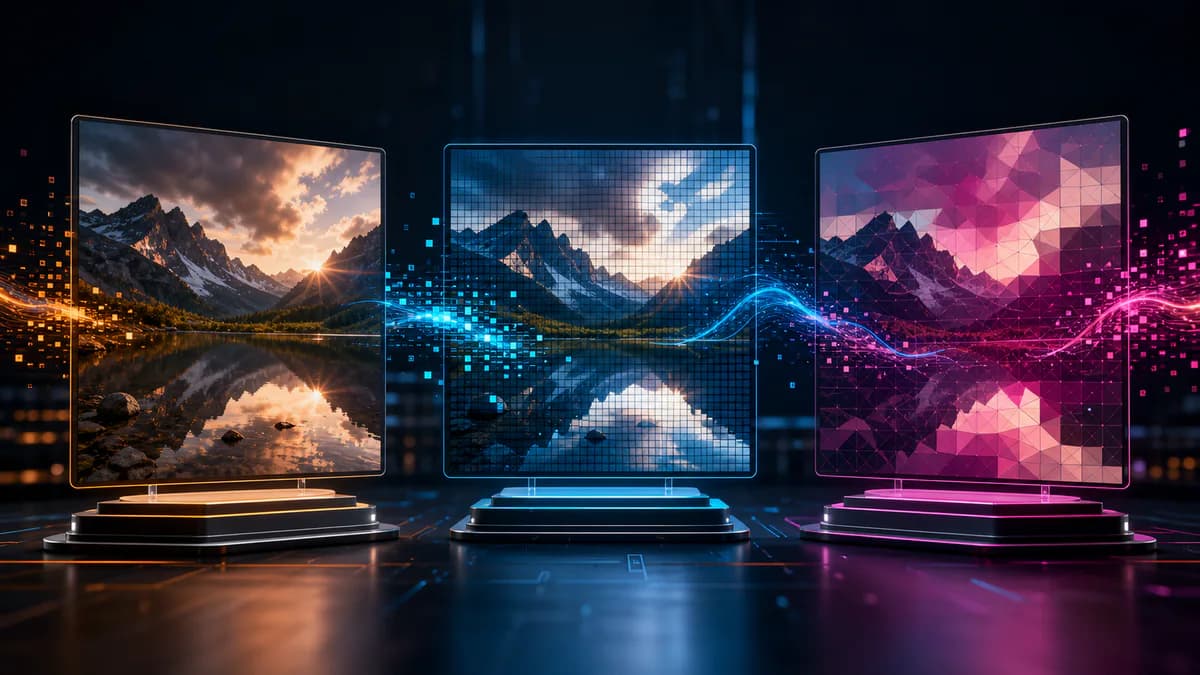
By 2010, images had become one of the heaviest parts of ordinary web pages. JPEG handled photographs, PNG handled transparency and exact graphics, and GIF handled simple animation, but publishers often needed several formats and still transferred substantial data. Google introduced WebP as an image format aimed at producing smaller web images while maintaining useful visual quality.
WebP did not succeed overnight. A new image format needs encoders, decoders, browser support, content-management integration, design-tool support, server configuration, and fallbacks. Its history is therefore as much about adoption as compression. Over time, WebP expanded from a lossy photographic codec to include lossless compression, alpha transparency, metadata, color profiles, and animation.
Origins in VP8 technology
Google announced WebP in September 2010 after acquiring On2 Technologies. The first lossy WebP design used intra-frame coding derived from the VP8 video codec: techniques built to predict and compress a single video frame could also encode a still image. The WebP container is based on RIFF, a chunked structure that can store image data and optional features.
Lossless WebP and alpha support followed, broadening the format beyond JPEG-like photos. Animated WebP offered an alternative to GIF with full-color frames and alpha. Browser adoption arrived unevenly: Chromium-based browsers supported it early, while other engines and software added support later. Today major modern browsers decode WebP, but legacy tools and specialized workflows can still require JPG or PNG.
How WebP reduces file size
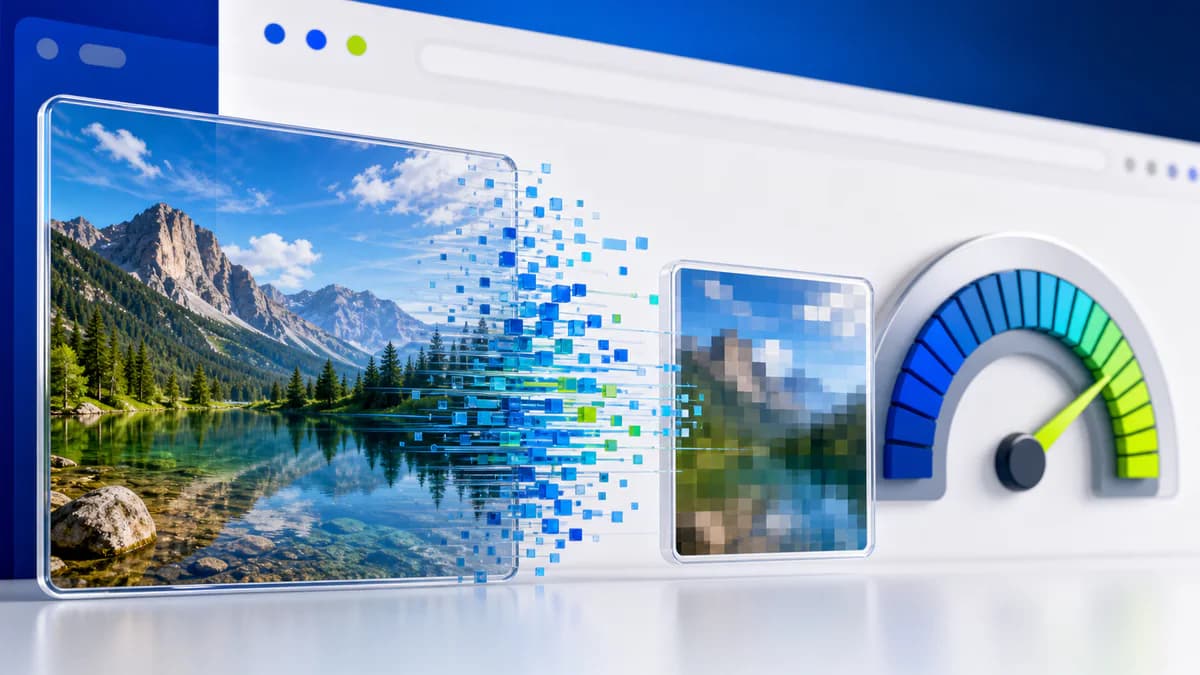
Lossy WebP predicts blocks from neighboring pixels and encodes the remaining differences using transform and entropy-coding techniques. Like JPEG, it may use chroma subsampling and discard information according to quality settings. The exact visual tradeoff depends on the encoder and content.
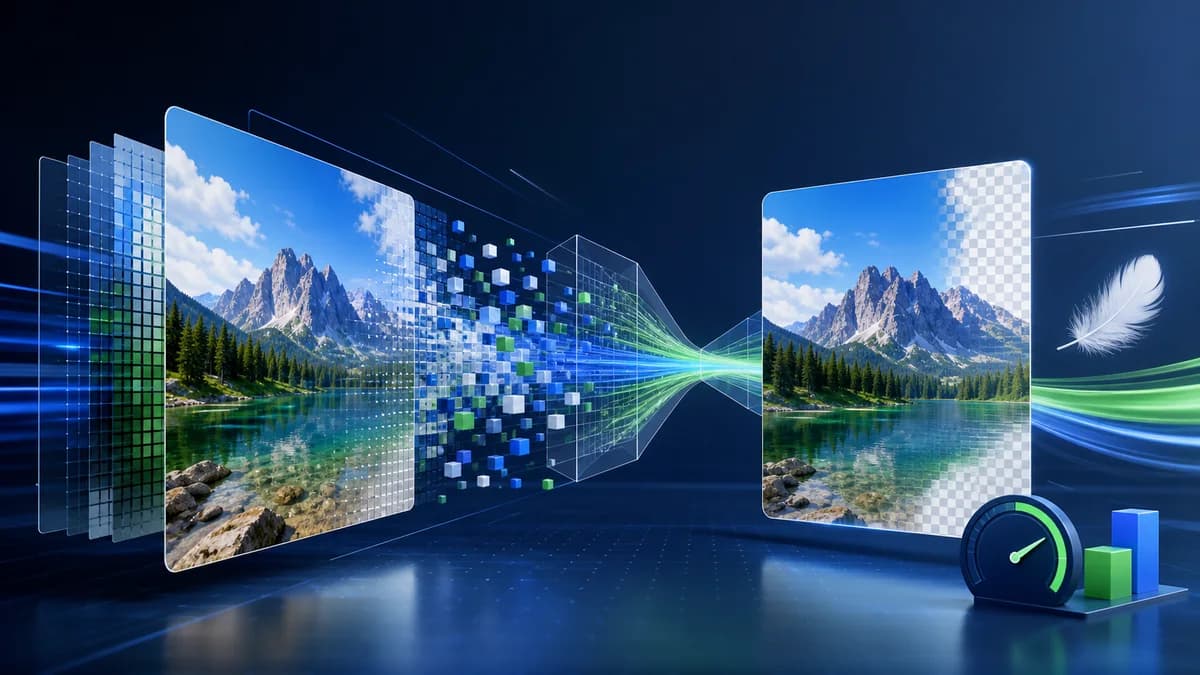
Lossless WebP uses reversible transforms, color caching, repeated-distance references, and entropy coding to reconstruct pixels exactly. Alpha can be compressed separately. This combination lets one family of files cover photos, transparent graphics, and animation, although “one format can do it” does not mean one setting is ideal for every image.
Real-world examples
An ecommerce page with dozens of product photographs may reduce transferred bytes by generating WebP derivatives from high-quality masters. That can improve loading on mobile networks, especially when combined with responsive dimensions and lazy loading. A transparent product cutout may also be smaller as lossless WebP than as PNG, depending on its detail.
A newsroom archiving original photographs should not discard its masters and keep only compressed delivery WebPs. A print vendor or older desktop application may not accept WebP at all. In those situations, WebP belongs in the delivery layer while TIFF, PNG, JPEG, or raw originals remain in the production and archive workflow.
Advantages
- Supports lossy and lossless encoding in one format family.
- Alpha transparency works with both major encoding approaches.
- Animated WebP can replace large full-color GIFs in compatible contexts.
- Often produces smaller web delivery files than comparable legacy formats.
- Major modern browsers provide broad decoding support.
- EXIF, XMP, ICC profile, and animation features cover many publishing needs.
Disadvantages and limitations
- Some older applications, email tools, and client workflows cannot open WebP reliably.
- Poor encoder settings can blur texture or create block and edge artifacts.
- Replacing a correctly sized JPEG without measuring may yield little practical gain.
- WebP is not an editable project format and does not preserve layers.
- Modern alternatives such as AVIF may be more efficient for some content, although encoding cost and support differ.
- Saving only the delivery derivative weakens future editing and archival flexibility.
A practical migration workflow
Keep original masters, then create WebP versions at the dimensions actually used by the site. Use responsive markup so a phone does not download a desktop-size image. Provide a fallback when audience analytics or a downstream system requires it. Configure the server with the correct image/webp media type and verify caching.
Performance is more than a file extension
Converting a 4000-pixel photograph to WebP does not make it appropriate for a 600-pixel card. Dimensions, responsive selection, lazy loading, caching, and layout stability can matter as much as codec efficiency. Declare width and height so the page can reserve space, and do not lazy-load the main above-the-fold image when it delays the largest visual element. A smaller format cannot compensate for an oversized source or a server that prevents effective caching. Evaluate the whole request in browser performance tools, not only the number shown beside an exported file.
Record the encoder version and settings for repeatable production. When a codec library changes, compare representative assets before regenerating an entire catalog; a newer encoder may make different visual tradeoffs at the same nominal quality value.
Measure real pages rather than quoting a universal percentage. File savings vary with subject matter, dimensions, quality, metadata, and the legacy encoder used for comparison. Inspect hair, foliage, text edges, gradients, and transparent boundaries. Pixores provides JPG to WebP and PNG to WebP tools for testing delivery copies.
Frequently asked questions
Is WebP owned by Google?
Google introduced and developed WebP and publishes its codec implementation and documentation. The format is openly available for implementation, but teams should still review current licenses for the specific software libraries they distribute.
Does every browser support WebP?
Current major browsers do, but old browsers, embedded webviews, email clients, and non-browser software can differ. Check the actual audience and production chain rather than assuming universal support.
Is WebP always smaller than JPG or PNG?
No. It often is at a comparable visual target, but simple indexed PNG graphics or well-optimized JPEGs may compete closely. Encode and compare the real asset.
Should WebP replace original files?
Usually not. Treat it as a delivery format. Preserve camera originals or high-quality editable masters so future exports are not based on a previously compressed derivative.
Conclusion
WebP reflects the web's shift toward specialized delivery optimization. Its success came from combining useful compression with transparency, animation, and eventually broad browser support. The best implementation is measured, not ideological: retain masters, generate correctly sized derivatives, compare visual quality, and keep compatibility fallbacks where they still serve users.
Sources and further reading
Google for Developers — WebP documentation