From the Darkroom to AI: The Evolution of Image Editing
See how image editing evolved from physical darkrooms through desktop software, mobile apps, computational photography, and generative AI.
Introduction
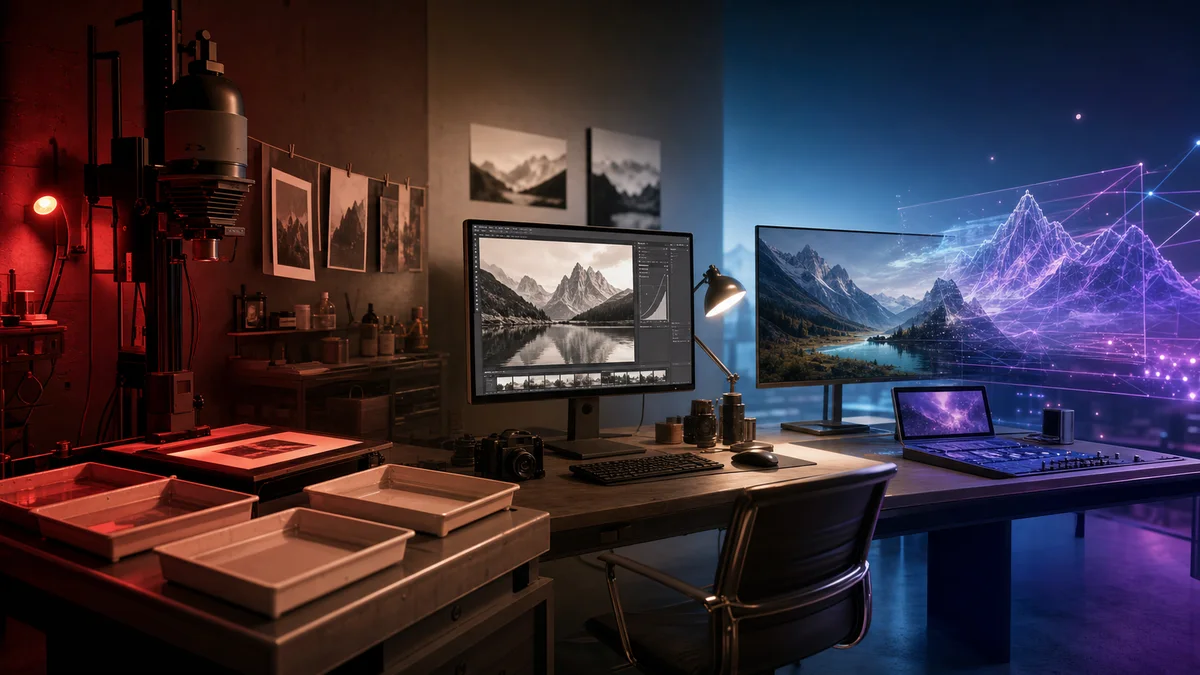
Image editing did not begin with computers. Photographers dodged and burned prints, masked areas, combined negatives, retouched plates, altered dyes, and selected papers to shape the final picture. Digital software changed the medium and speed, but many concepts survived: exposure, contrast, crop, mask, composite, and local correction all have analog ancestors.
The major transformation is reversibility and scale. A darkroom decision affected light and chemistry; a layered digital file can hold many alternatives. Mobile computational photography now edits before a person sees the result, merging exposures and reducing noise automatically. Generative AI goes further by synthesizing pixels that were never captured. This history helps creators separate restoration, enhancement, and invention instead of treating every operation as the same kind of edit.
The analog darkroom
In film photography, the negative was a source and the print an interpretation. Dodging reduced exposure in selected print areas; burning added exposure. Filters changed contrast, cropping changed composition, and retouching pencils or dyes repaired marks. Composite images could be assembled from several negatives, though the work demanded craft and time.
These processes prove that photographs have never been perfectly neutral windows. Lens choice, film stock, exposure, development, print contrast, and crop all shape meaning. Digital editing increased accessibility and precision, but the ethical question—whether a change clarifies or deceives—predates software.
Frame buffers and desktop software
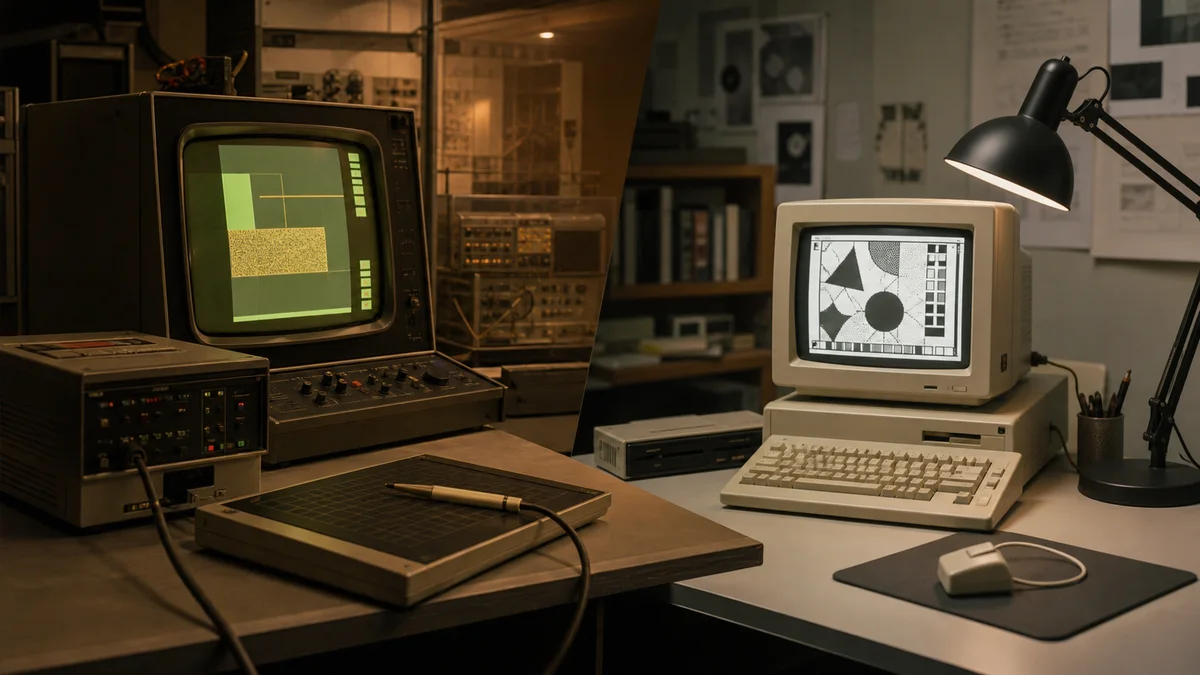
Interactive raster systems such as SuperPaint made pixels directly editable in the 1970s. Personal-computer programs including MacPaint brought tools and selections to consumers in the 1980s. In the 1990s, Photoshop and competing applications made color compositing, layers, masks, and filters part of professional publishing.
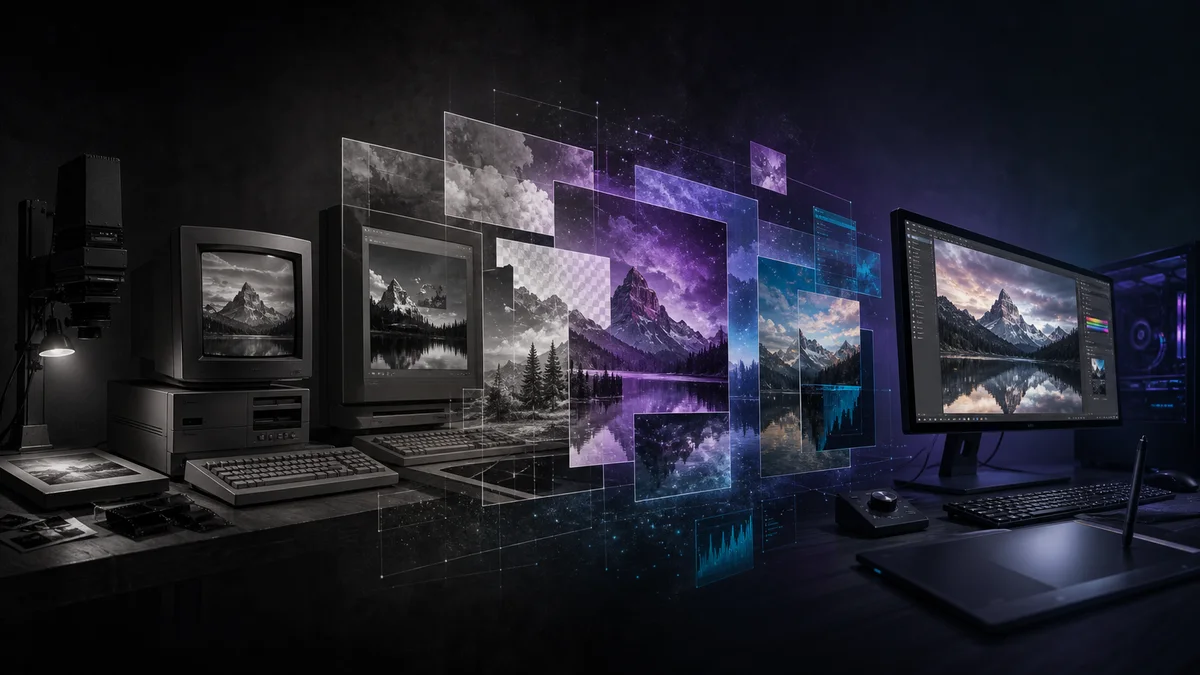
The desktop era separated the editable project from the delivery file. A layered master might become a flattened TIFF for print and a compressed JPEG or GIF for the web. Color management, scanners, digital cameras, and affordable storage gradually joined one production chain.
Mobile and computational photography
Smartphones moved editing into the capture device. Automatic white balance, tone mapping, face detection, stabilization, portrait segmentation, and multi-frame noise reduction became routine. Night modes can align and merge several exposures, creating a final image that no single exposure contained exactly.
Apps made crop, filters, healing, and sharing immediate. The benefit was creative access; the tradeoff was invisible automation. Users may not know how much smoothing, sharpening, sky replacement, or face reshaping occurred. A default camera image can already be a computational interpretation before any manual edit begins.
AI-assisted and generative editing
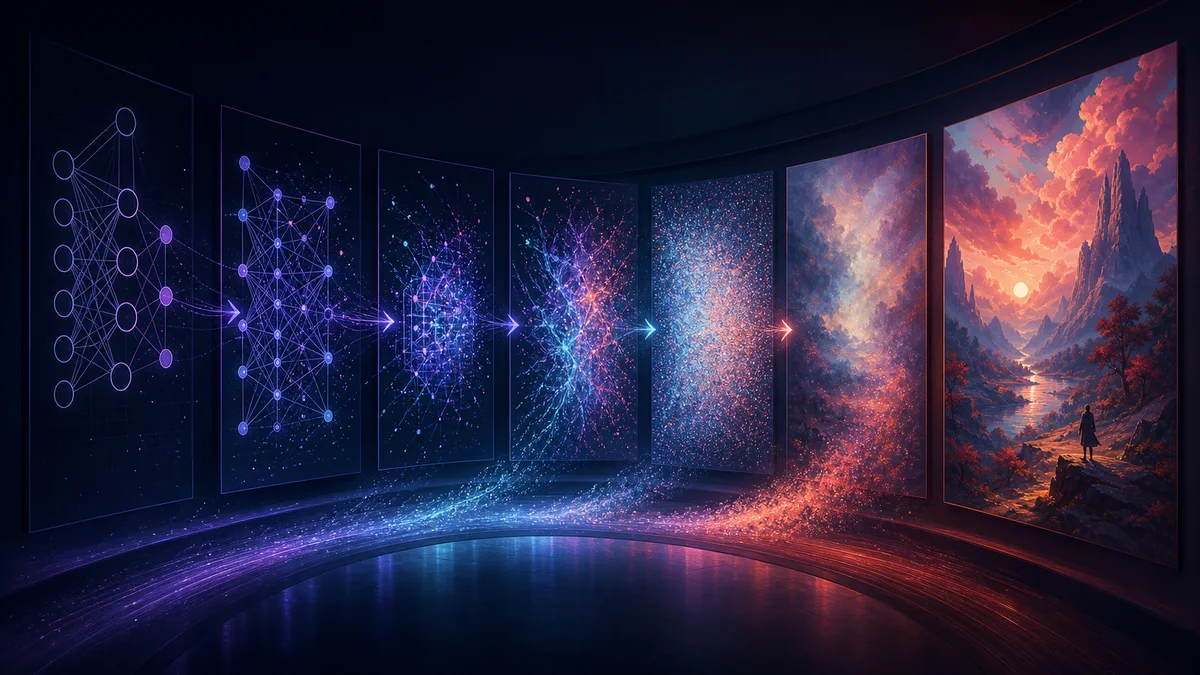
Machine learning improved tasks with clear goals: identify a subject, estimate a mask, suppress noise, enlarge an image, or recognize a damaged region. Generative systems can now extend a canvas, replace objects from a prompt, relight a scene, or create an image from text. These features change editing from manipulating captured pixels to directing a synthesis process.
The boundary matters. An upscaler may infer texture, not uncover hidden truth. Generative fill can create a realistic window that never existed. For marketing illustration that may be acceptable; for journalism, insurance, evidence, medicine, or historical documentation, it may be unacceptable without explicit labeling and preservation of the source.
Real-world examples
A family archivist can scan a faded print, correct its color, remove dust, and keep the raw scan beside the restoration. A seller can remove a distracting product background while leaving the item itself unchanged. A phone can merge frames so a night street appears cleaner than any one exposure. A designer can generate additional background around a portrait to fit a banner.
Each example needs a different standard. Restoration should document what was repaired. Product imagery should not invent features a buyer will not receive. Computational capture should not be described as forensic truth. Generative illustration should avoid impersonation, copyright infringement, or false endorsement.
Advantages
- Editing tools are accessible to far more people than physical darkrooms or specialist workstations were.
- Nondestructive layers and versions protect source material and support revision.
- Automation reduces repetitive masking, cleanup, resizing, and export work.
- Computational methods can improve low-light images and accessibility.
- Generative tools allow rapid concept exploration and new forms of visual storytelling.
- Online tools make common operations available without installing a full suite.
Disadvantages and risks
- Plausible generated detail can be mistaken for captured fact.
- Beauty filters and body reshaping can reinforce unrealistic expectations.
- Automated tools may perform unevenly across skin tones, hair types, objects, or cultures.
- Cloud processing can create privacy concerns for sensitive photographs.
- Easy generation increases spam, impersonation, and misleading content.
- Dependence on proprietary services can affect cost, availability, and long-term access.
A responsible modern workflow
Keep an untouched original and an editable working file. Name generated or substantially altered versions clearly. Review edges, hands, reflections, text, repeating patterns, and object geometry. Remove private metadata before public sharing when appropriate, but retain relevant provenance internally.
Choose bounded tools for bounded tasks. Use Pixores Image Upscaler when resolution is the issue, Remove Background when separation is the issue, and Resize Image when dimensions are the issue. Do not apply enhancement merely because a button exists. Every transformation should serve a stated purpose.
Frequently asked questions
Is AI editing fundamentally different from traditional retouching?
It can be. Traditional tools usually transform or combine supplied pixels; generative systems can synthesize new content. Both can mislead, but generation makes invention faster and harder to detect casually.
Does an AI upscaler recover the original detail?
Not exactly. It predicts plausible high-resolution structure from the available input. The result may look clearer but should not be treated as recovered evidence.
What is nondestructive editing?
It preserves the original data while storing changes as layers, masks, parameters, or versions that can be revised or removed later.
Should every AI-edited image be labeled?
Meaningful synthetic changes should be disclosed when they affect interpretation, trust, purchasing, news, evidence, or identity. Minor technical corrections may follow the norms of the specific field.
Conclusion
Image editing evolved through materials, machines, software, networks, and learned models. The tools became faster and more capable, but the central discipline did not change: know what the image represents, preserve the source, make purposeful changes, and communicate honestly. AI is a powerful new chapter, not an exemption from authorship or responsibility.
Sources and further reading
Computer History Museum — SuperPaint