The History of Photoshop and the Rise of Professional Image Editing
Follow Photoshop from Thomas Knoll's Display experiment to layers, digital photography, subscriptions, and AI-assisted professional editing.
Introduction
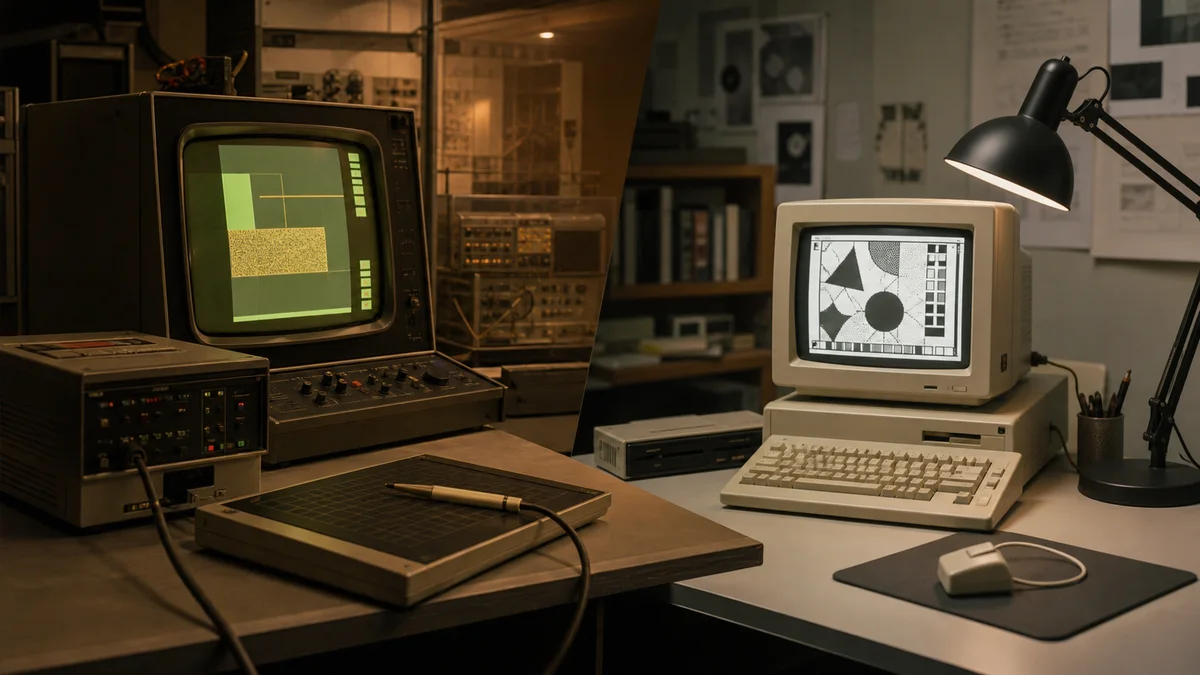
Photoshop became so influential that its name is often used as a verb for image manipulation. That cultural status can make its beginnings seem inevitable, but the program started as a focused experiment. In 1987, doctoral student Thomas Knoll wrote software called Display to show grayscale images on a black-and-white Macintosh screen. His brother John Knoll, who worked in visual effects, saw broader creative potential and encouraged the addition of editing features.
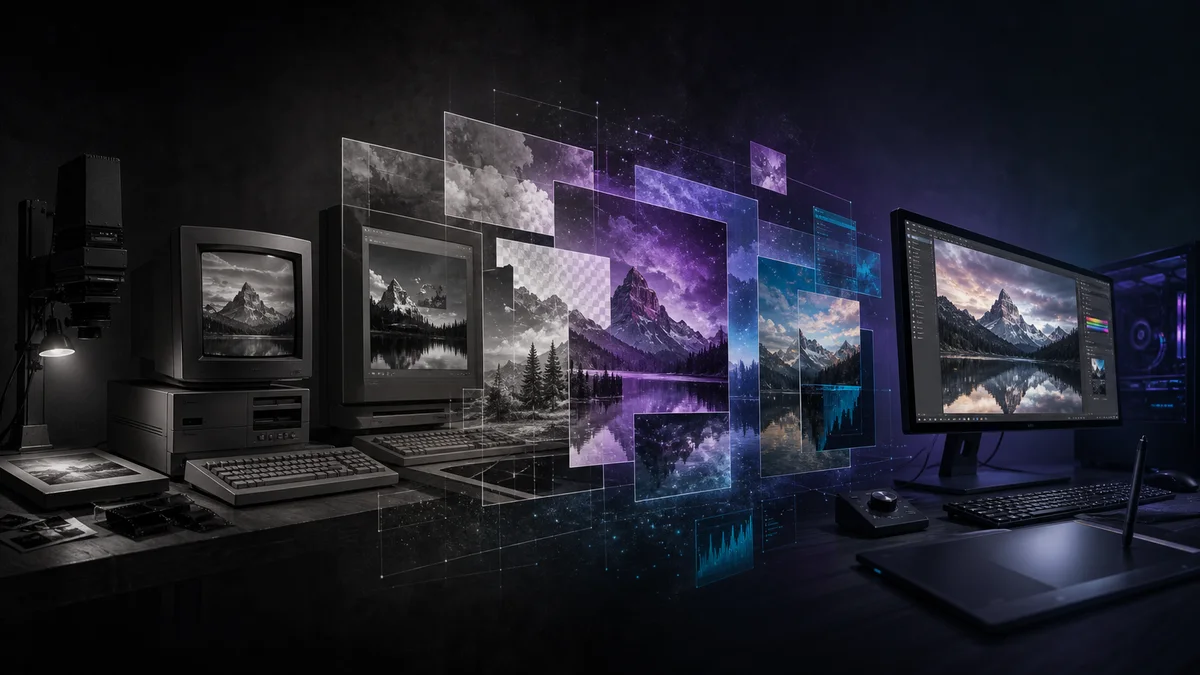
The brothers developed the program through names including ImagePro before settling on Photoshop. Adobe licensed the distribution rights in 1988, and Photoshop 1.0 shipped for Macintosh in 1990. Over the following decades, it absorbed and popularized layers, color-management workflows, camera-raw processing, content-aware operations, and machine-learning assistance. Its story mirrors the movement of image editing from specialist production rooms into ordinary creative work.
The Knoll brothers and the first release
Thomas Knoll's technical foundation and John Knoll's production perspective were complementary. Early demonstrations showed that a personal computer could perform useful tonal adjustments, selections, painting, and transformations on scanned images. Scanners and film recorders were important bridges because most photographs still began or ended in an analog medium.
Adobe saw the program as a companion to its growing publishing ecosystem. Photoshop 1.0 offered tools recognizable today—selection, painting, cropping, color adjustment, and filters—but ran within severe memory and storage limits. A large image might require careful disk management, and the Macintosh-only release served a far smaller market than today's cross-platform Creative Cloud product.
Layers changed the editing model
Photoshop 3.0 introduced layers in 1994. Before layers, combining elements often required destructive operations or separate files. Layers allowed images, text, and adjustments to remain independently movable and revisable. Masks then made it possible to hide parts of a layer without permanently erasing them.
This nondestructive mindset became central to professional work. A magazine designer could place a product, refine its edge, adjust its color, and revise the background after client feedback. Later adjustment layers, smart objects, and smart filters extended the same principle: preserve source information and keep major decisions editable.
Digital cameras and the web
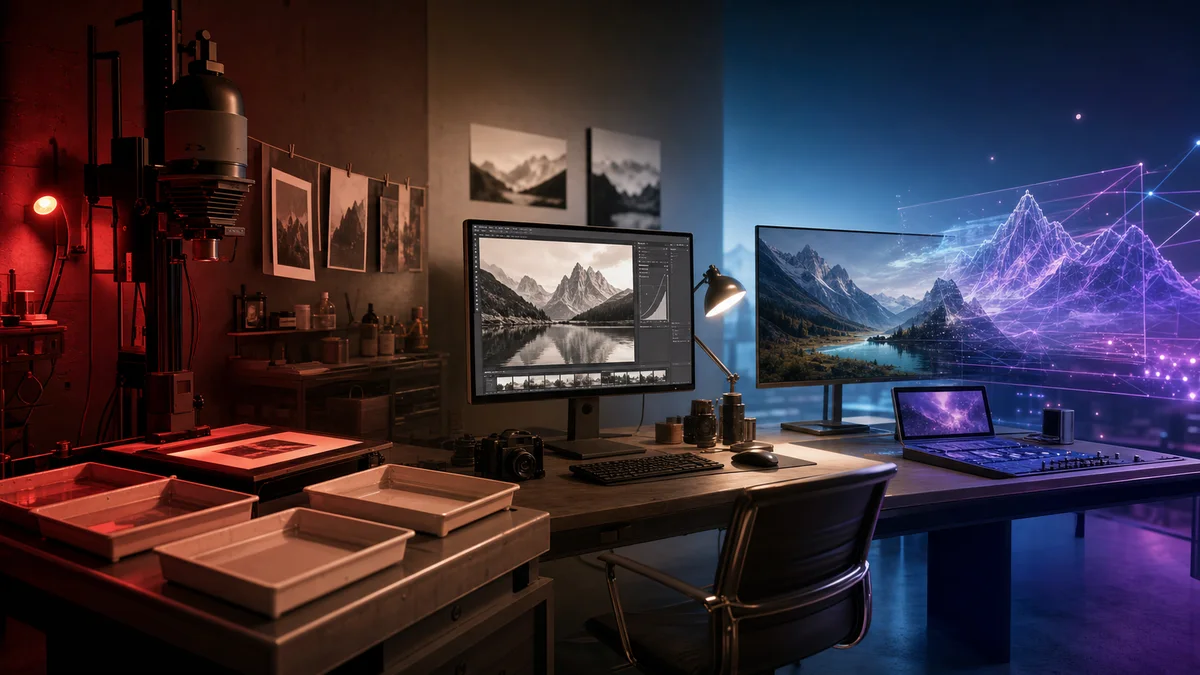
As digital cameras expanded in the late 1990s and 2000s, editors needed to manage larger files, camera metadata, color profiles, and raw sensor data. Adobe Camera Raw and integration with photography workflows made Photoshop part of a digital darkroom. Meanwhile, “Save for Web” helped designers compare compressed GIF, JPEG, and PNG outputs for early sites.
The program also shaped visual culture in less comfortable ways. Retouched advertising and editorial portraits could create unrealistic bodies or erase meaningful context. The same tools used for artistic compositing could create deceptive evidence. These concerns did not begin with generative AI; digital editing had already made provenance and disclosure important.
Real-world examples
A product photographer may process raw exposure, remove dust, correct perspective, separate the object with a mask, and export multiple web sizes. A restoration specialist can scan a damaged family print, repair scratches on separate layers, and preserve the untouched scan. A film artist may combine many photographs into a matte painting while keeping depth and color adjustments editable.
The opposite case is a news photograph. Removing a person or changing the scene can violate editorial ethics even if the edit is technically excellent. Responsible organizations distinguish routine tonal corrections from changes that alter what happened. Context, purpose, and disclosure determine whether manipulation serves communication or misleads it.
Advantages
- Deep raster-editing tools support photography, illustration, compositing, design, and restoration.
- Layers, masks, and smart objects enable reversible professional workflows.
- Broad color-management and file-format support connects cameras, print, video, and web delivery.
- A large ecosystem of training, plugins, automation, and industry knowledge reduces production friction.
- Selection and repair tools can save substantial manual work.
- Continued development keeps the application connected to new cameras and creative methods.
Disadvantages and criticisms
- The feature set can be intimidating for a person who needs one quick operation.
- Subscription pricing creates an ongoing cost and dependence on account access.
- Large layered files require storage, memory, backup, and careful version management.
- Powerful manipulation can enable deceptive or harmful imagery.
- Generative features introduce questions about training data, disclosure, and authenticity.
- Using the program does not automatically produce strong composition or ethical judgment.
Photoshop in an AI-assisted era
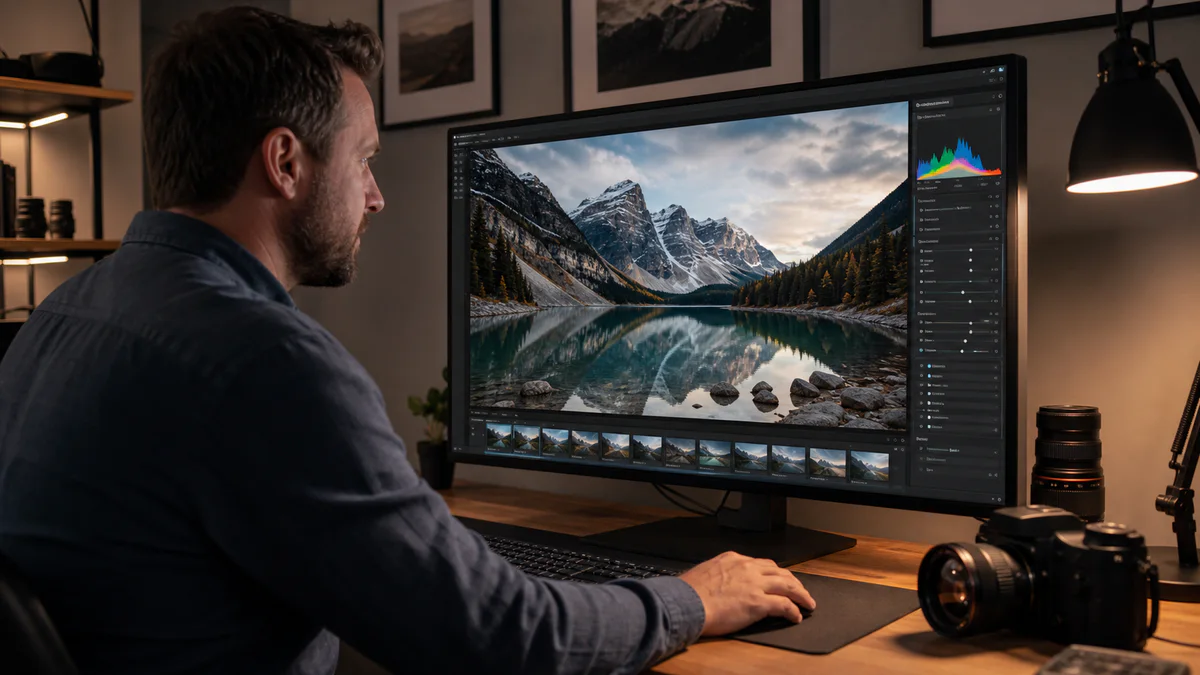
Recent releases integrate machine-learning selections, object removal, generative fill, and other assisted operations. These tools can turn a lengthy mask into a short review task, but outputs must still be inspected. A generated hand, reflection, shadow, label, or architectural detail can be plausible at first glance and wrong under scrutiny.
Simple browser tools also occupy an important place. A creator who only needs to compress, crop, convert, or remove a background may not need a full professional suite. Pixores focuses on those bounded workflows through tools such as Remove Background and Compress Image. The right editor is the least complicated one that safely satisfies the job.
Frequently asked questions
Who created Photoshop?
Brothers Thomas and John Knoll created the original program. Thomas wrote the early display and processing code, while John encouraged its development as a broader image-editing product. Adobe licensed it and published version 1.0.
When was Photoshop first released?
Adobe Photoshop 1.0 shipped for the Macintosh in 1990 after development and licensing work during the late 1980s.
Did the first version have layers?
No. Persistent layers arrived in Photoshop 3.0 in 1994 and substantially changed how users built and revised composites.
Is Photoshop necessary for every image task?
No. It is valuable for complex, controlled editing. Focused tools can be faster for resizing, conversion, compression, or a straightforward background removal.
Conclusion
Photoshop grew from a grayscale display experiment into a platform that helped define professional digital imagery. Its lasting contribution is not a single filter but an editable model built around selections, layers, masks, color, and careful output. AI now accelerates parts of that model, while human responsibility remains unchanged: preserve originals, verify results, disclose meaningful alterations, and choose tools in proportion to the work.